Character sheets: the seven views that make a character's likeness
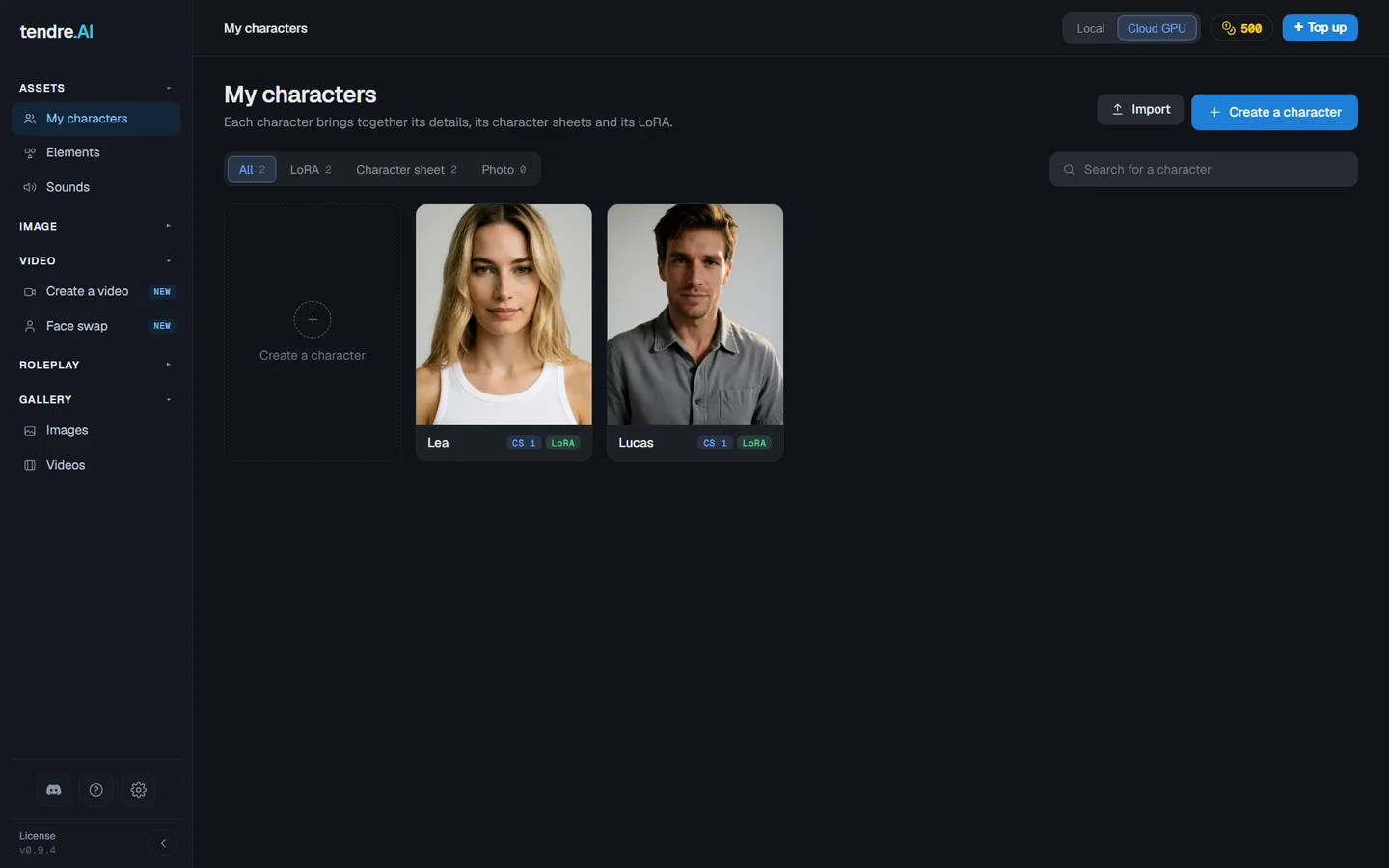
In My characters, each character has a single profile in four sections, which you can edit in any order: Characteristics, Character sheets, Voice and LoRA training. Everything saves automatically. This page covers the character sheets.
What a character sheet is for
A character sheet gathers seven reference views of the same character, in the same outfit, on a plain background. It is what carries the character's likeness in Create a video, in Ultra, and in Quality when the character does not play through its video LoRA. Create an image takes one image of its sheet, of your choice. The views can also feed the training of its LoRA.
A character can have several sheets: one per outfit or attitude (an evening dress, sportswear, a serious look).
The seven views
| View | What it shows |
|---|---|
| Full body, front | The complete silhouette |
| Full body, profile | The complete silhouette, looking towards the left of the image |
| Full body, back | The complete silhouette |
| Bust | The face, neutral |
| Face | A close-up of the face |
| Outfit | A close-up of the outfit, from the chest to the knees |
| Feet | A close-up of the feet, in shoes or bare depending on the outfit |
The close-ups are rendered as real close-ups, not as crops of another view. Each view is generated on its own: none is a flipped copy of another.
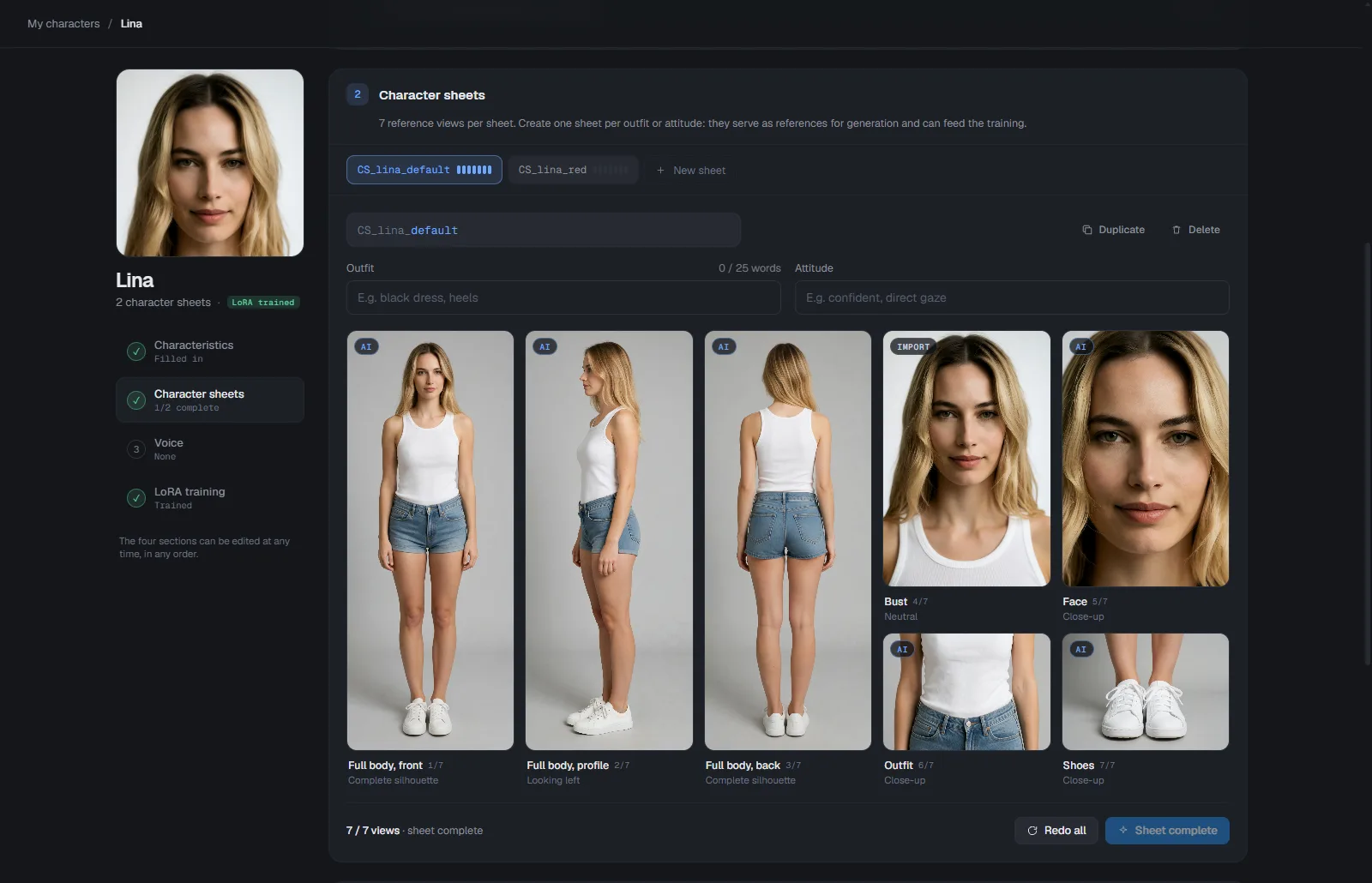
For good views: one person only, the same outfit everywhere (feet included), a plain background and neutral lighting, the whole head in the bust, the body from head to feet in the full body views, and images of at least 1024 pixels.
Fill in a sheet
New sheet opens seven empty slots. Then, as you prefer:
- Drop your own images, one per slot. A photo on a plain background is cropped to its subject automatically.
- Import a character sheet takes a sheet made elsewhere. A single image (your whole sheet) is kept as it is and serves as the reference in Multi-Ref, image and video; several images (7 at most) go into the slots in the order of their file names. You can also drag your images from the file explorer onto the Character sheets section, or a single one onto an empty slot.
- Generate the views while the sheet is empty, from the character's Characteristics (type, age, build, description). If the character has an image LoRA and no photo, its views are generated with its LoRA: the most faithful way to get it back.
- Complete the missing views from the ones you already have. A real photo always comes before a generated view, and one good image is enough to start.
Generated views always start from the full body front view (for the body) or the bust (for the face). A dropped photo is kept as it is: it is no longer dressed again in the outfit. Each view can be redone on its own with Redo, which gives a new image at each click, and Redo all regenerates the whole sheet. You can start several views in a row, on one or several characters: they run one after the other, and the render queue shows them as waiting. Removing a view sends its file to your computer's trash.
A sheet made before keeps its views, but its three-quarter busts no longer show: it reads 3 / 7 views, and Auto-complete 4 views adds the missing ones.
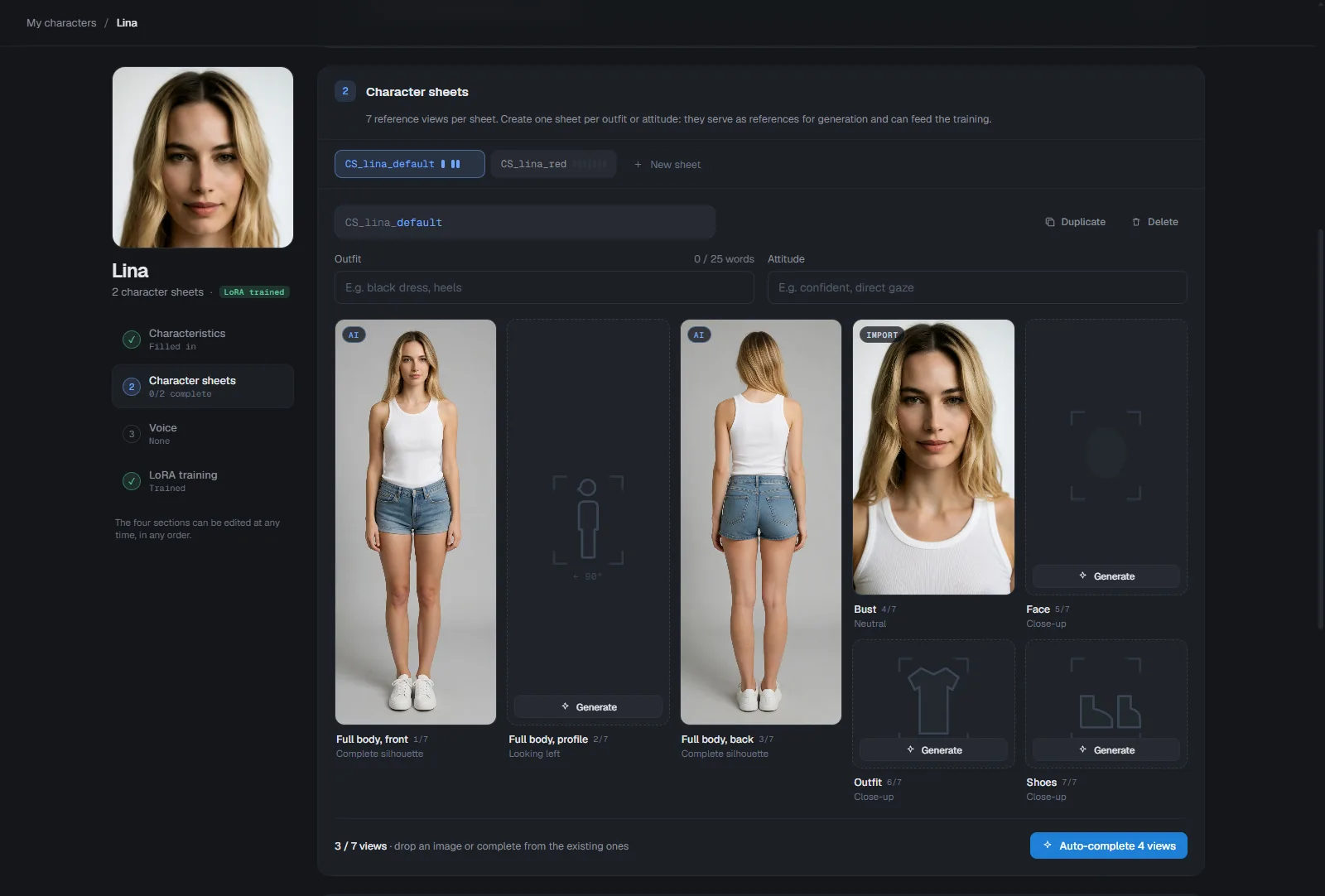
Price: on Cloud GPU, each generated view costs one image, and the price shows on the button before you start. On your own graphics card, generation is free.
Outfit and attitude
Each sheet has two fields: Outfit and Attitude. Describe the outfit precisely, in 40 words at most, shoes included: it applies to every generated view. The full body views do not add shoes by default: the outfit decides (bare feet, boots...). The attitude replaces the expression of the bust and of the face close-up, and is added to the other views (for example "confident, direct gaze").
An online copy of your views
With a licence, the views of your sheets are copied online, encrypted, and restored when you open a profile if a file has disappeared from your computer. Deleting a view, a sheet or a character removes it online too. A copy left unused for one year is erased from our servers, and is made again the next time you open the profile. The copy covers 10 characters with the Perso licence, 50 with the Pro licence. In the demo, nothing is copied.
Lea and Lucas
Lea and Lucas come with their complete character sheets, visible even in the demo. Their profiles are read-only: you can view or delete them, not edit them.
To put your characters on screen together, see Create a video. With the Pro licence, characters can also be created and cast through the API or an AI agent: see Characters.