AI Face Swap Video: Put Your Own Characters in Any Video (2026)
October 20, 2026
Most face swap tools paste a new face onto someone else's head and stop there. The hair stays, the body stays, the outfit stays, and the result looks like a mask. Face swap in tendre.AI replaces the whole person on camera with one of your characters: face, hair, body and outfit. What belongs to the video stays as it was: the gestures, the setting and the sound.
Face swap or body swap?
A classic AI face swap video works on the face alone. It is quick, but the illusion breaks as soon as the hair, the build or the clothes do not match the new face.
tendre.AI works on the whole character. It reads the views of the character's character sheet (the five reference views that define their face, their body and their outfit) and repaints the person on camera from them, frame after frame. The movement still comes from your video: if the person kneels, turns or stands up, the character does the same, in the same place and at the same moment.
Several characters in one video
A video is not limited to one swap. You place cards on its timeline, and each card is one character for one stretch:
- One character per card, as many cards as you want, with the same character or different ones.
- Transitions between two cards: Morphing, Glitch, or a straight cut.
- A stretch without a card stays exactly as it was filmed.
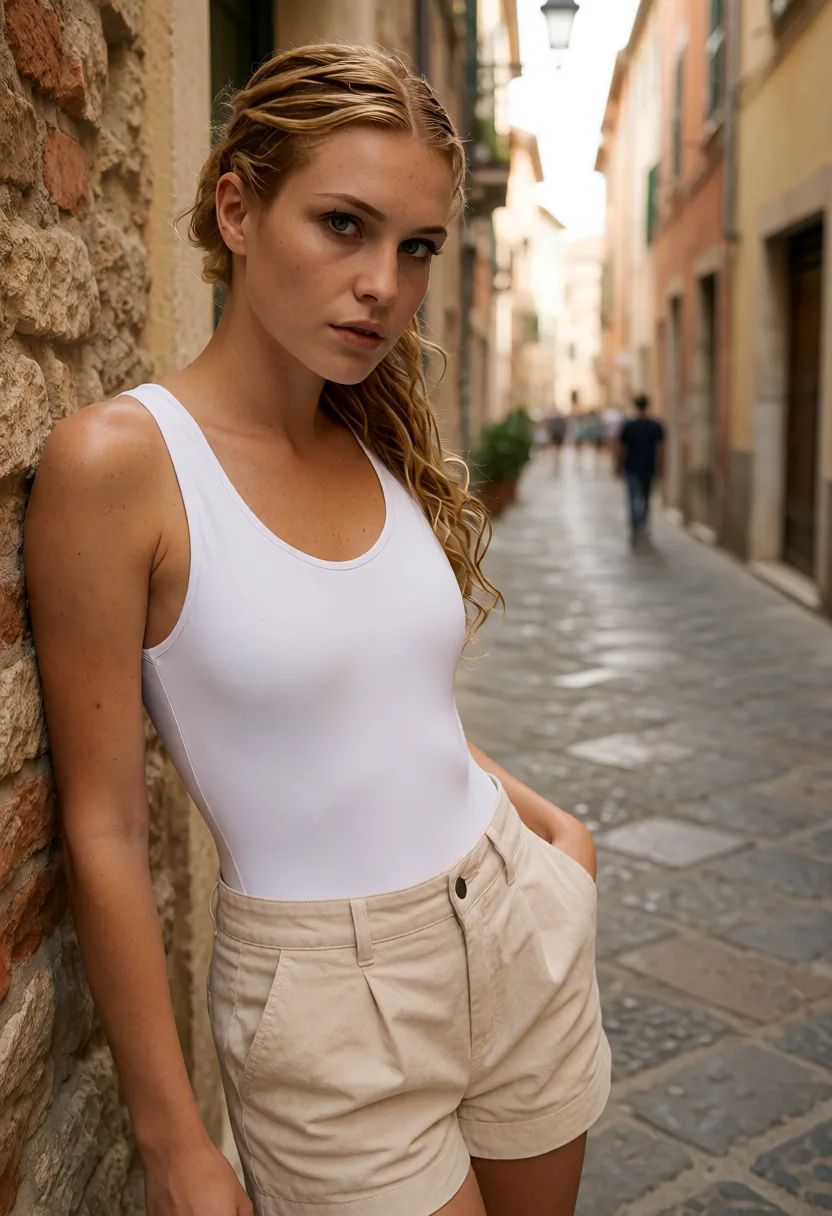
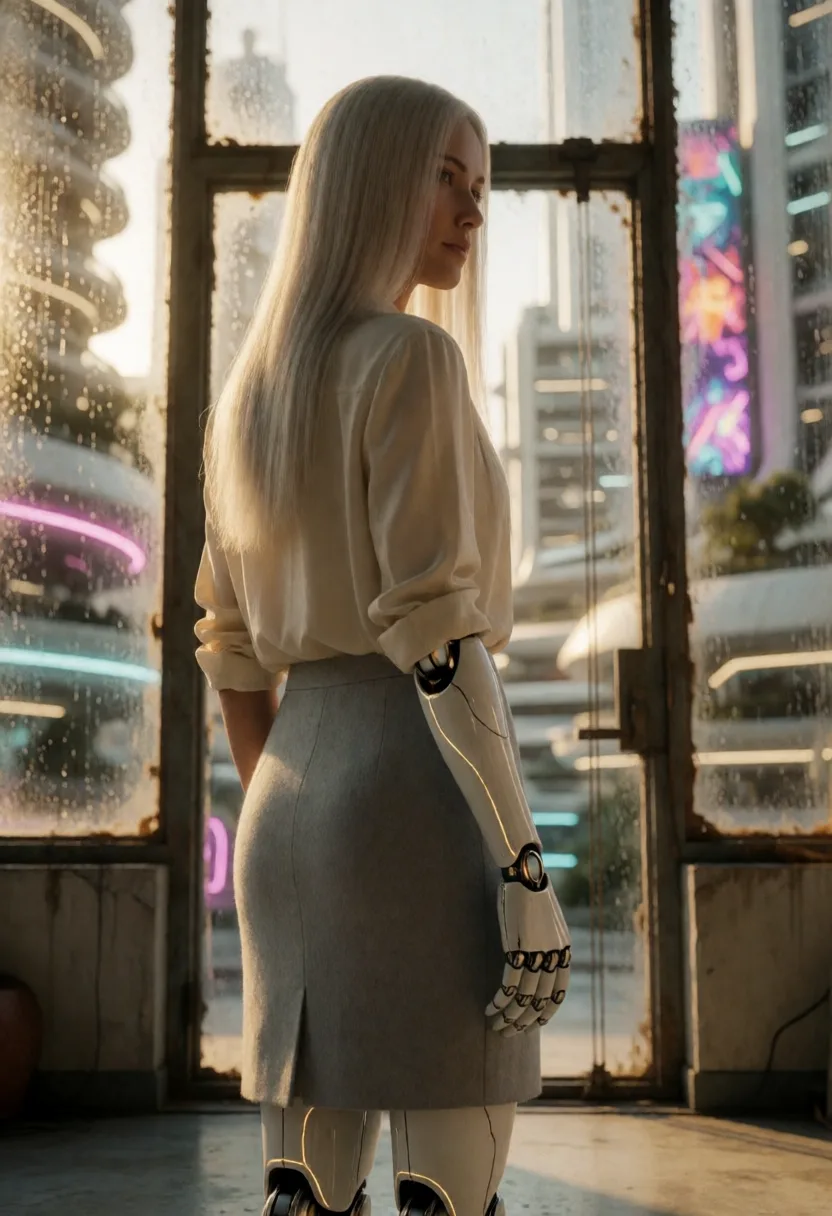
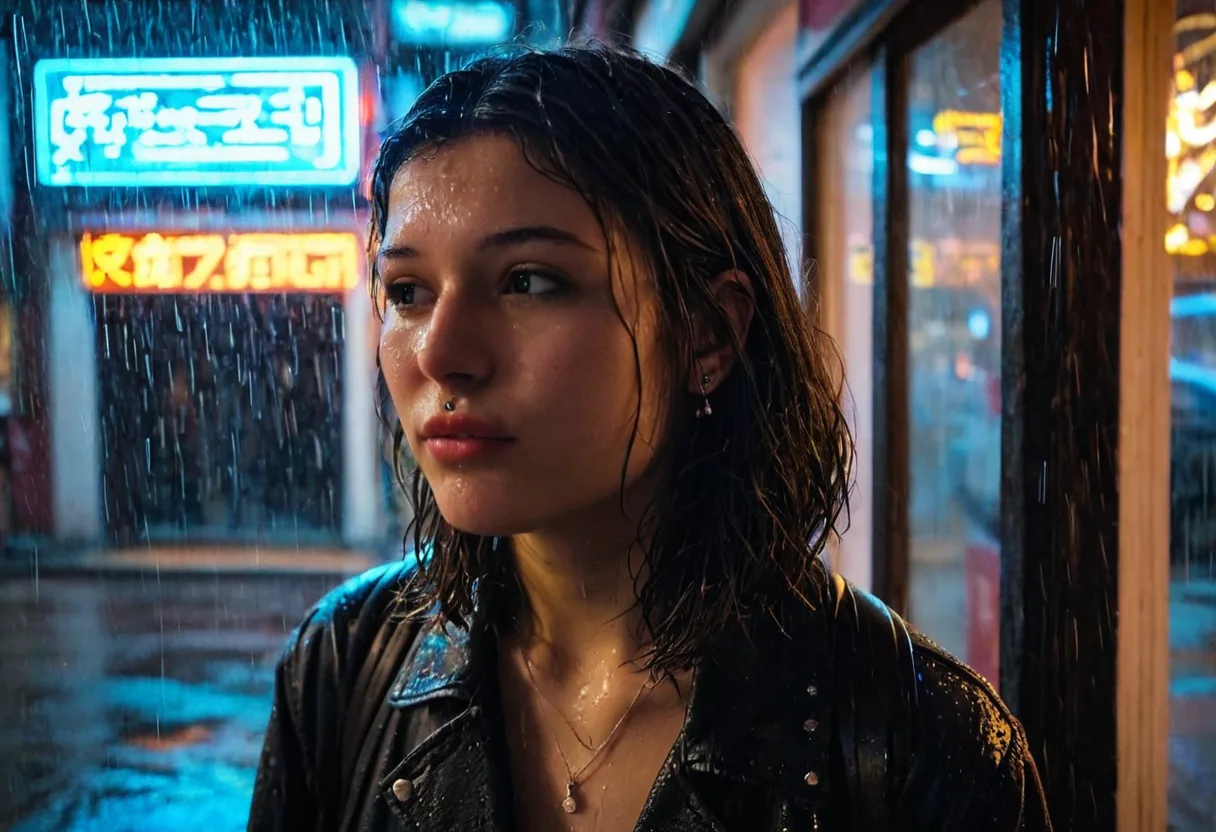
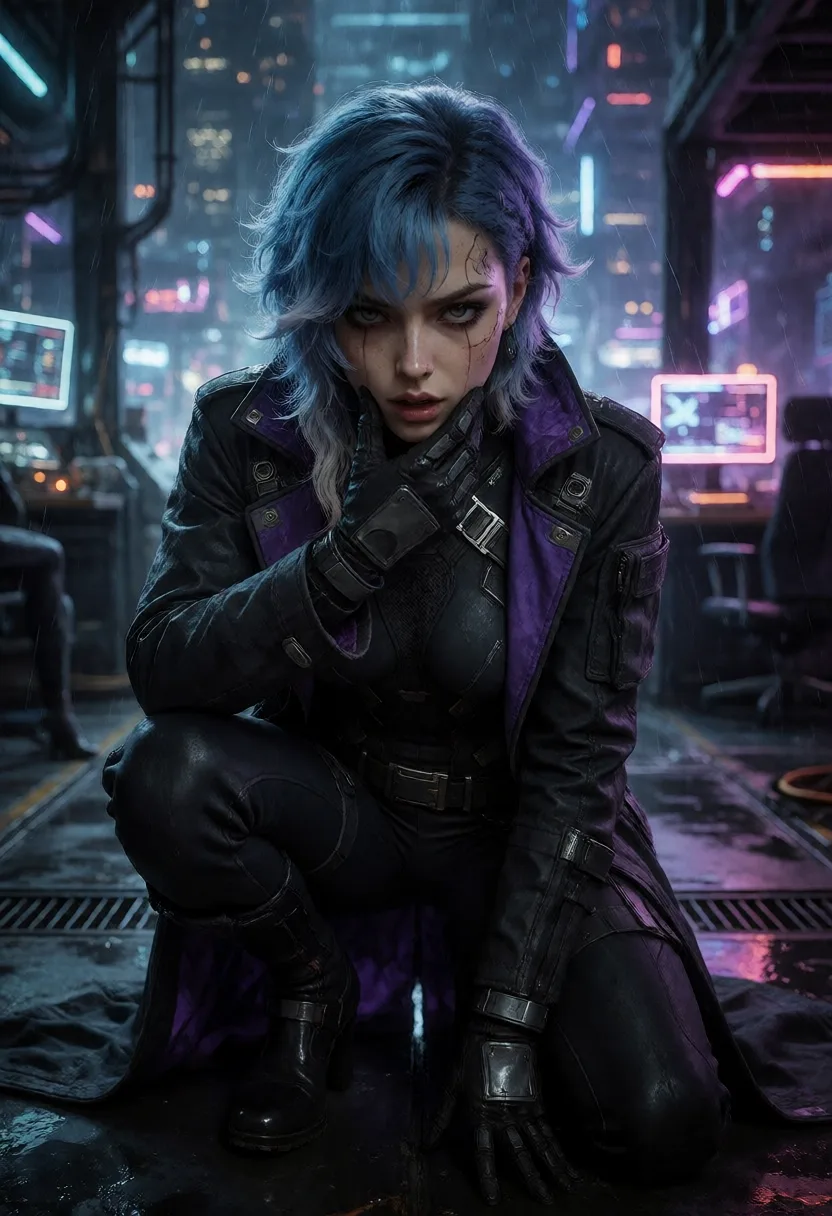
This is how a single take can show several characters one after the other, as in the video above.
The voice follows the character
Each card chooses its voice:
- Character's voice: the voice of the video becomes the one from the character's profile, at the same pace, so the lips stay in sync.
- Original voice: the filmed voice stays.
A character with no voice in their profile keeps the original voice.
How to do a face swap in tendre.AI
- Choose a video: from your gallery, by import (mp4, mov, webm or mkv), or by dropping it on the screen. It keeps its resolution, its frame rate (up to 60 frames per second) and its sound.
- Place a character: click the timeline where it should appear, then drag the edges of its card to set the start and the end, to the exact frame.
- Set up the card: the character and their outfit, the voice, and if you want a scene (what the character does during the card, an attitude, an object). Advanced settings adjust the area around the person and how closely the character sticks to their profile.
- Generate: the screen shows the compute time and, online, the price before you start. The preview then switches between the result and the original, so you can compare them.
The full walkthrough, screen by screen, is in the Face swap documentation.
Local or online
- Online, from any computer, Mac included: billed per second of card, 6 credits per second. A stretch without a card costs nothing.
- Locally, on a PC with a recent NVIDIA graphics card (8 GB or more): free. The Face swap component (about 5.7 GB) downloads the first time.
Face swap needs a subscription or a licence: it is not part of the free daily trial.
Use it on videos you have the right to use
Only use videos of yourself or of people who have given their consent. It is a rule of the terms of use, and the only way a face swap stays a creative tool.
Create a character once, then let them take the place of the person on camera: face, hair, body and outfit, with the gestures, the setting and the sound of your video.
FAQ
What is the difference between a face swap and a body swap? A face swap replaces the face only. tendre.AI replaces the whole person: face, hair, body and outfit, from the character's character sheet, while the gestures and the setting of the video stay.
Can I put several characters in the same video? Yes. Each card on the timeline is one character for one stretch, and transitions (Morphing, Glitch or a cut) join them.
Does the voice change too? If you choose "Character's voice", yes: the voice becomes the one from the character's profile, at the same pace, with the lips in sync. With "Original voice", it stays as filmed.
How long can a swap be? A card lasts 20 seconds at most. The video itself can be longer: split it into several cards.
Do I need a graphics card? No. Face swap runs online from any computer, Mac included. With a recent NVIDIA card (8 GB or more), it can also run locally, for free.
Can I use any video? Only videos of yourself or of people who have given their consent, as the terms of use require.