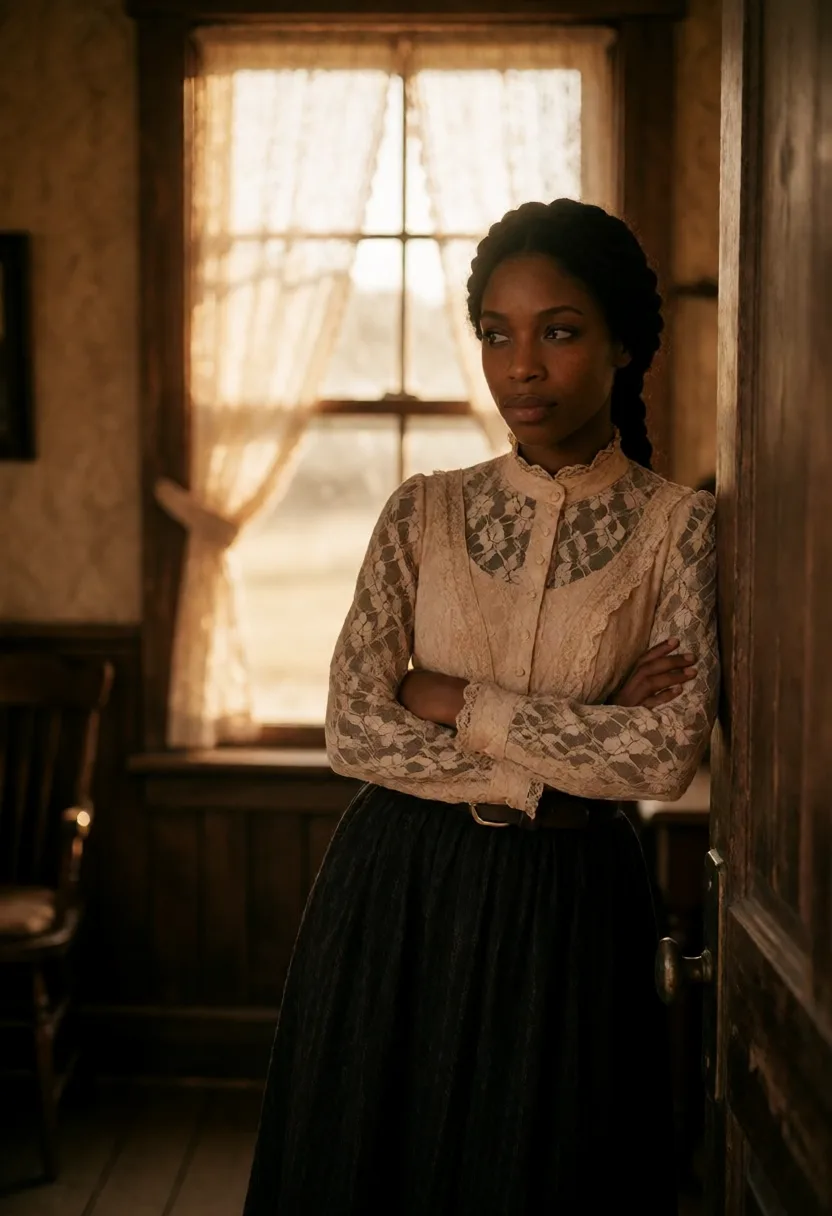
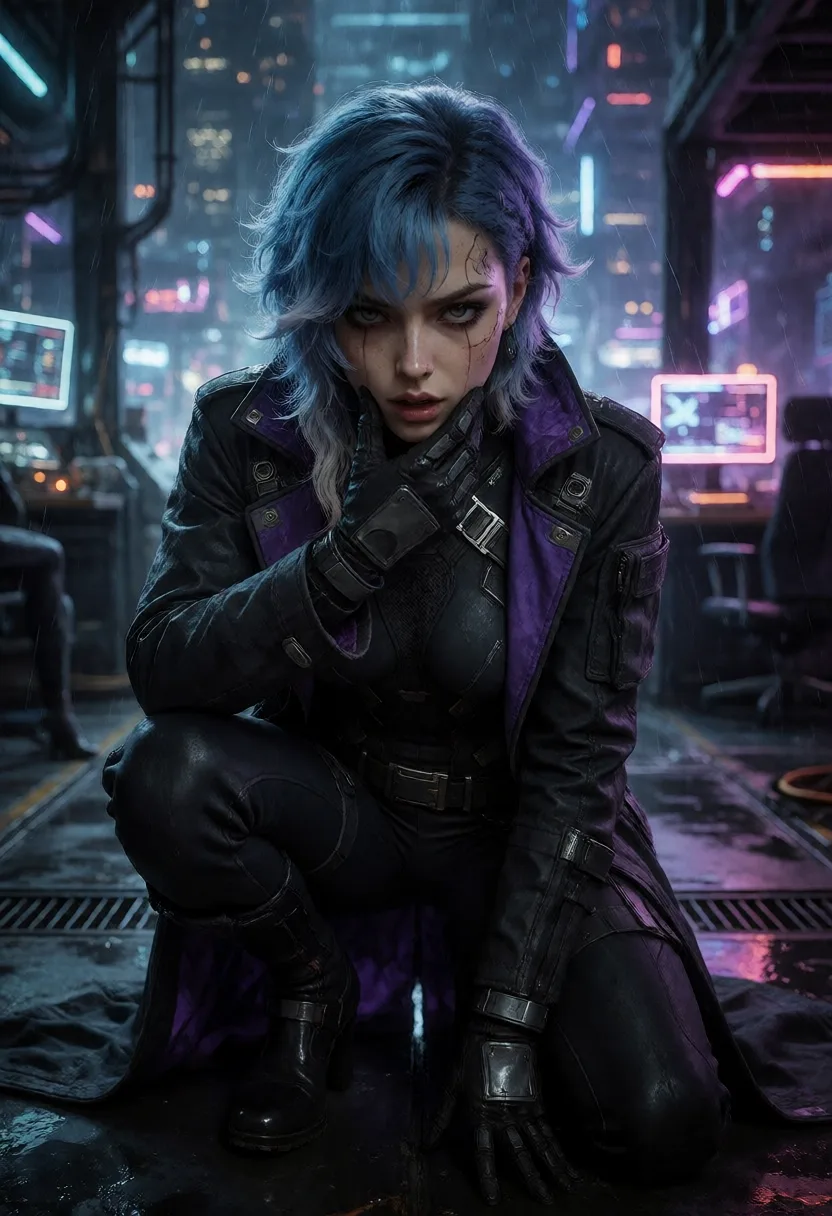
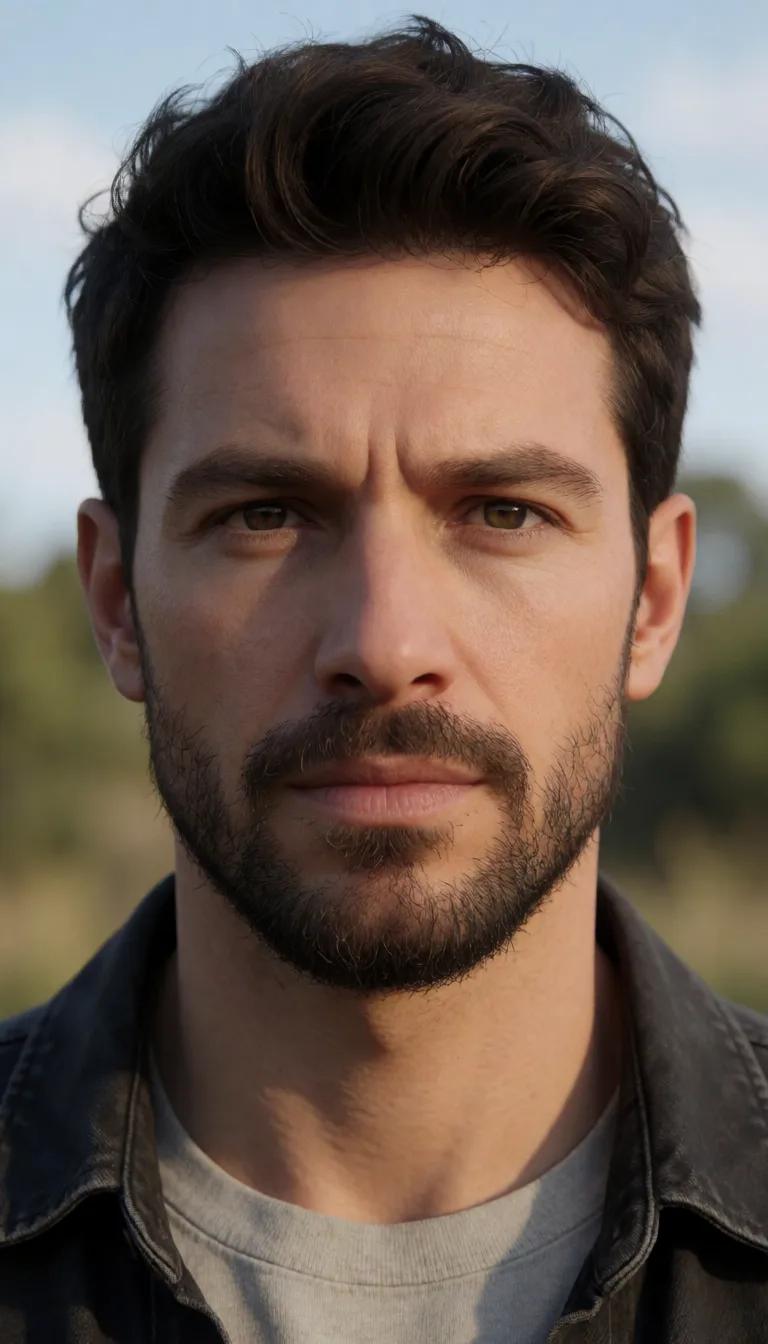
Train a LoRA Locally: Consistent AI Characters on Your Own GPU (2026)
August 31, 2026
Text-to-image models are very good at inventing a face and terrible at remembering it. Ask for the same person twice and you get two different people. A LoRA fixes that: it is a small file that teaches the model one specific subject, so the same character comes back every time you call it. This guide explains what a LoRA actually is, how to train a LoRA locally on your own NVIDIA GPU, and why the photos you feed it matter far more than any training setting.
What a LoRA actually is
A base model like Stable Diffusion XL knows what a person looks like in general. It does not know what your character looks like. Retraining the whole model to teach it would take enormous compute and produce a file of several gigabytes.
A LoRA (Low-Rank Adaptation) takes a shortcut. Instead of rewriting the model, it learns a small set of adjustments that sit on top of it. The result is a file of a few dozen megabytes that you load alongside the base model. When you use the trigger word you chose during training, the model applies those adjustments and renders your subject instead of a stranger.
That is the whole idea behind character consistency: not a better prompt, but a small trained file that carries the identity for you.
Why train locally rather than in the cloud
Training is the step where you hand over the most sensitive material you own: a set of real photographs of a real face. That makes where it happens a genuine question, not a technical detail.
- The photos never leave your machine. A local LoRA training run reads the images from your disk, computes on your own GPU, and writes the resulting file back to your disk. No upload, no copy sitting on someone else's storage, no terms of service deciding what happens to a dataset of faces.
- No metering. Cloud training services charge per run, and a LoRA is rarely right on the first attempt. Training locally costs you electricity and time, so you can iterate until the likeness is actually good instead of rationing your attempts.
- The file is yours. A locally trained LoRA is a file on your drive. You can back it up, reuse it, delete it. It does not live in an account that can be suspended or a service that can shut down.
The trade is time. A local run on a mainstream card takes roughly 30 to 60 minutes while it holds your VRAM. Cloud training in tendre.AI takes about 15 to 20 minutes and leaves your machine free, drawing on credits instead. Both produce the same kind of file. Pick local when privacy and cost matter most, cloud when you are away from your GPU or in a hurry.
The dataset is the whole job
This is the part most guides skip, and it is the part that decides whether your LoRA works. Training settings are largely solved defaults. Your photo set is not.
Ten to fifteen photos is the useful range. Fewer can work, even a single image will produce something, but the likeness usually suffers. Many more rarely helps and often hurts, because a large set of near-identical shots teaches the model the background instead of the face.
Variety is what you are actually feeding. The model learns what stays constant across your photos. If every shot is the same angle in the same room, it concludes the room is part of the person. Vary the angle, the lighting, the distance, the expression and the background. What remains identical across all of them is the identity, and that is precisely what you want it to extract.
Quality beats quantity. Sharp, well-lit, unobstructed faces. Drop the blurry ones, the heavy filters, the shots where sunglasses or a hand cover half the face. One bad photo in twelve is enough to drag the result down.
If real photos are scarce, you can top the set up with AI-generated images of the same subject. It is a legitimate way to reach a usable count when you only have five or six real shots. Full details are in Prepare your photo dataset.
How it works in tendre.AI
- Collect the set. Ten to fifteen photos of the same subject, varied and clean.
- Import and name. Open a character, import the photos, and pick a trigger word. That word is how you will call the character in future prompts.
- Let it caption. The app captions every photo automatically with WD14 tagging, so you do not write labels by hand.
- Choose local or cloud. Local runs on your GPU and pauses the generation engine to free VRAM. Cloud runs on tendre.AI's servers and leaves your machine alone.
- Wait, then test. Generate one image with the trigger word and judge the likeness before you build anything on top of it.
- Reuse it. The character now holds across scenes, styles and resolutions. The step-by-step version lives in Train a LoRA.
What you need
A Windows PC with a modern NVIDIA GPU, RTX 20 series or newer, and 8 GB of VRAM as a comfortable floor. Twelve gigabytes or more gives you headroom for higher resolutions and heavier workflows.
Image generation on your own GPU is free and unlimited in tendre.AI, with no licence required to start. The licence adds consistent characters, meaning a LoRA-trained identity that holds across scenes, plus cloud generation and 200 credits for the days you are away from your machine. It is a one-time purchase, not a subscription. See the pricing.
tendre.AI trains a LoRA from 10 to 15 photos, locally on your NVIDIA GPU. The photos never leave your PC, and the character stays the same across every scene.
Where LoRAs fit next to everything else
A LoRA is one tool among several, and it is worth knowing when it is the wrong one.
Use a LoRA when you need the same subject repeatedly across many images: a recurring character, a brand mascot, a consistent model for a series. The upfront training pays off across dozens of generations.
Do not train a LoRA for a one-off image. A well-written prompt on a good local AI image generator will get you there faster. Training is an investment in repetition, not a general-purpose quality boost.
And a LoRA teaches identity, not composition. It will not fix a bad prompt, an awkward pose or a broken hand. Those belong to prompting, inpainting and upscaling, which sit alongside it in the Windows app.
FAQ
How many photos do I need to train a LoRA? Ten to fifteen photos of the same subject is the useful range. Fewer will still train, even one image works, but the likeness usually degrades. Beyond twenty you rarely gain anything, and near-identical shots can teach the model the background instead of the face.
How long does local LoRA training take? Roughly 30 to 60 minutes on a mainstream NVIDIA GPU. It holds your VRAM while it runs, so tendre.AI pauses the generation engine for the duration. Cloud training takes about 15 to 20 minutes and leaves your machine free.
Do my photos get uploaded when I train a LoRA locally? No. Local training reads the images from your disk, computes on your own GPU, and writes the LoRA file back to your disk. Nothing is uploaded. Only cloud training, which is opt-in and runs on credits, sends anything off your machine.
Do I need a licence to generate images locally? No. Image generation on your own NVIDIA GPU is free and unlimited with no licence. The licence unlocks consistent characters across scenes, cloud generation and 200 credits.
Can I use a LoRA trained elsewhere? A LoRA is a standard file, so one trained for the same base model family will generally load. Training inside tendre.AI mainly saves you the captioning, the settings and the guesswork.
What is a trigger word? The word you choose during training to call your character. Put it in a prompt and the model applies the LoRA and renders your subject. Pick something distinctive that will not collide with ordinary vocabulary.