Your own model
Train a character from your photos and get a model that belongs to your account.
tendre.AI for Mac · Apple silicon
Create your own character in tendre.AI for Mac: a few photos are enough to train a LoRA, and your character then keeps the same face in every image you generate.
Apple silicon (M1 or later) · macOS 13 or later

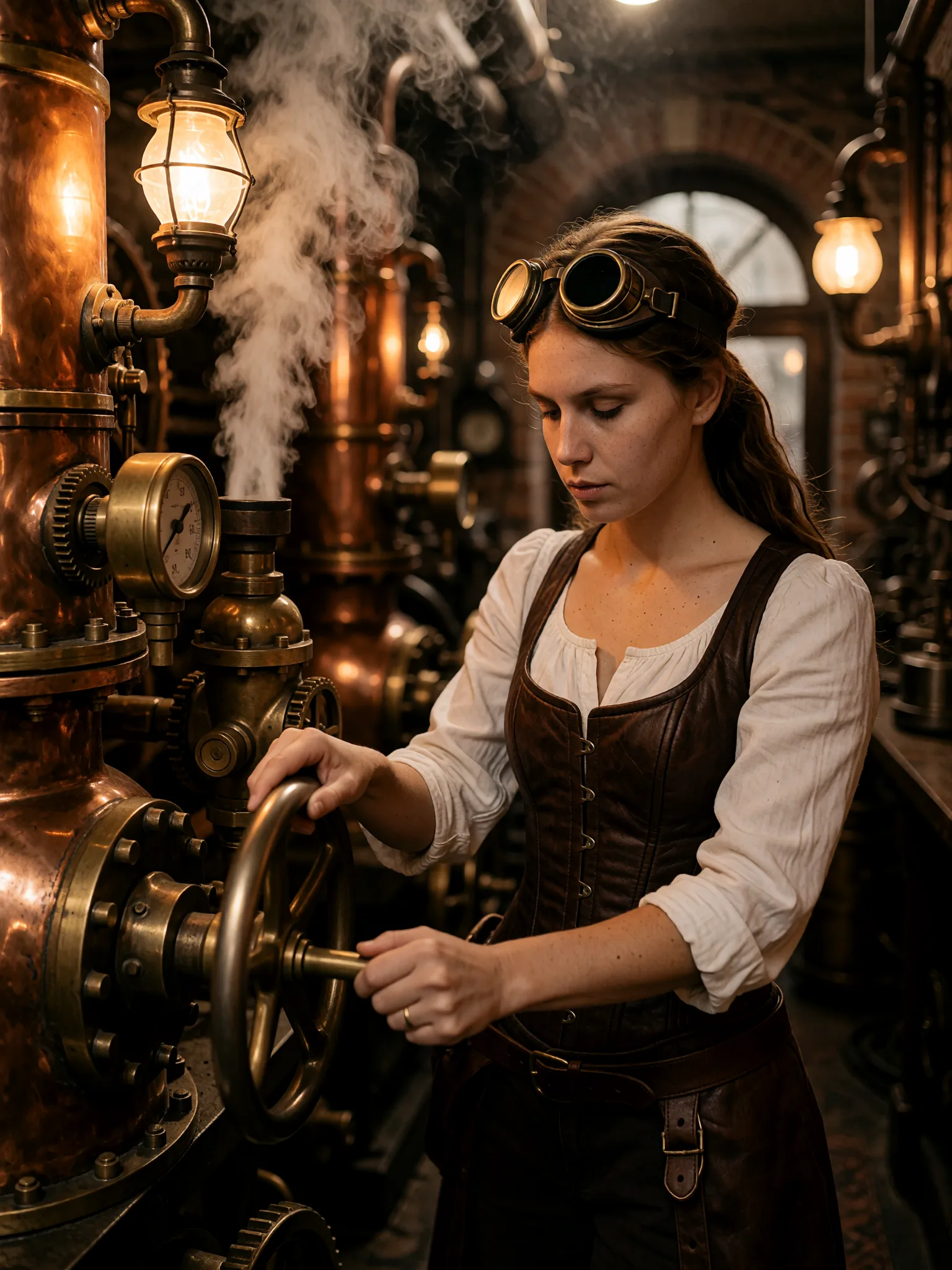
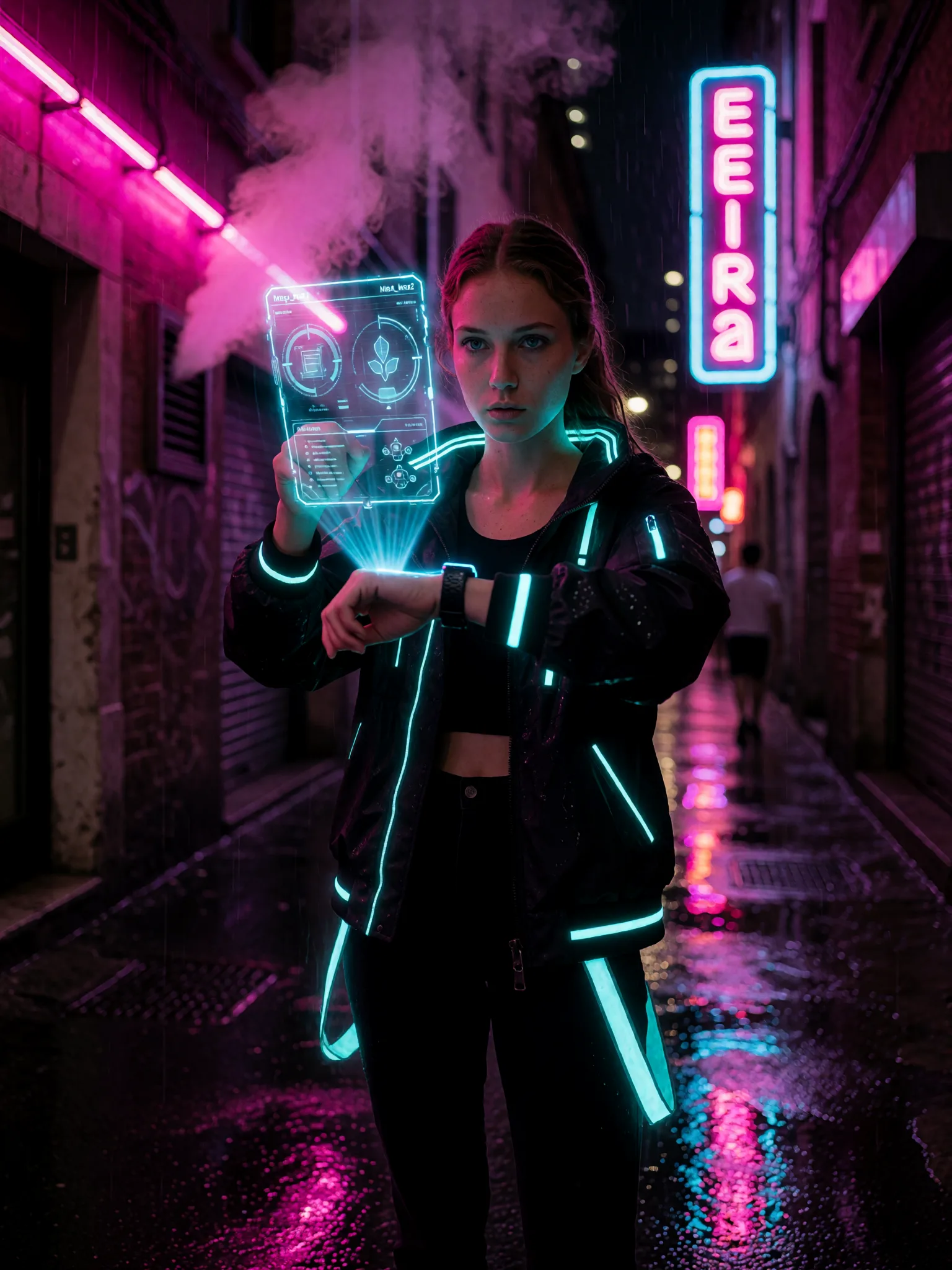
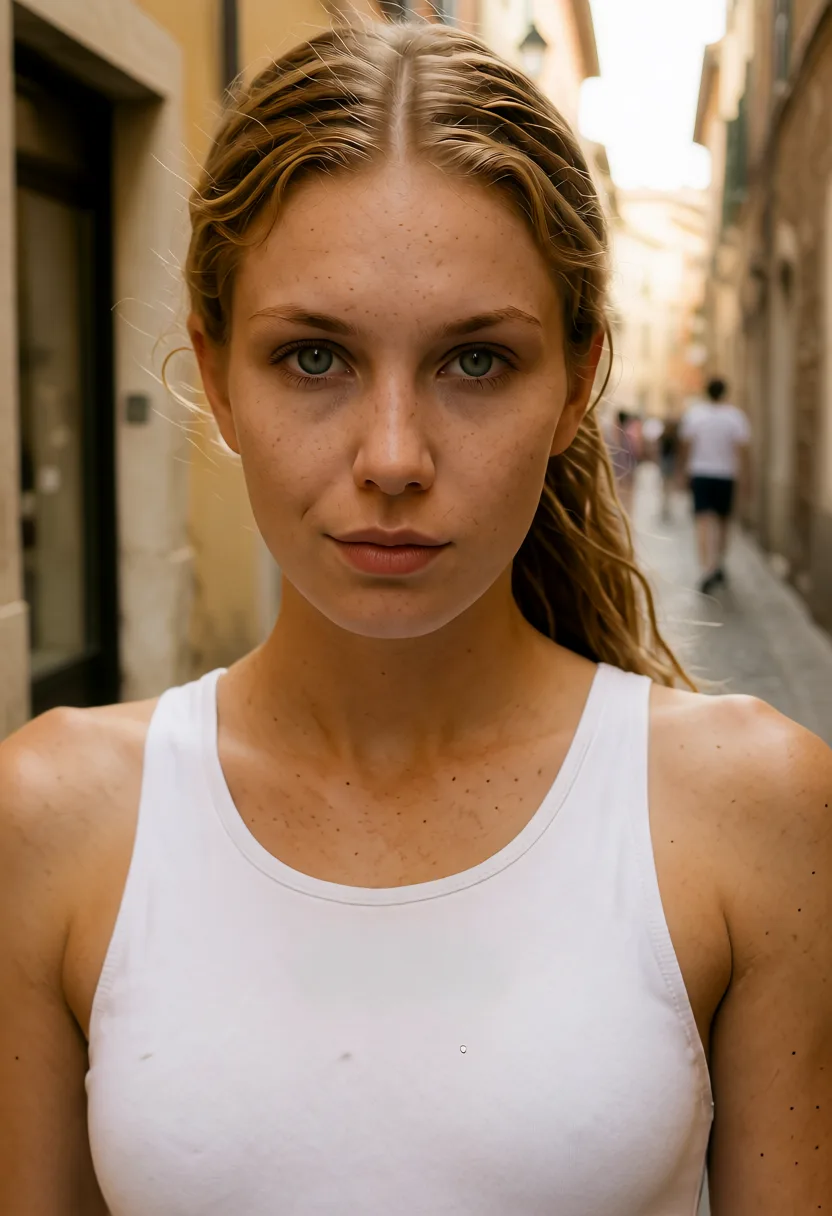
Today on Mac, training runs in the cloud from the app, with credits, and the trained character then generates locally on Macs that render images locally. On a PC with an NVIDIA graphics card, training also runs locally.
Train a character from your photos and get a model that belongs to your account.
The same character, the same face, image after image, whatever the scene or the outfit.
On a Mac that renders locally, your character generates on your machine and the images stay on your disk.
The app walks you through the photos to choose and the settings, and tells you the cost in credits before training.
Pick a handful of clear photos of your character, from different angles.
Launch the training from the app. It runs in the cloud, and your character is ready when it finishes.
Call the character in your prompts, locally on an eligible Mac or online.
Not today: on Mac, training runs in the cloud from the app, with credits. On a PC with an NVIDIA graphics card, it runs locally. Once trained, your character works in local image generation on eligible Macs.
An M4 with 24 GB of memory, or an M2 or M3 Pro, Max or Ultra with 24 GB. Other Apple silicon Macs generate the character online.
A handful of clear, varied photos is enough. The app tells you what works best before you start.
It belongs to your account: you train it, you use it, and you can delete it.
Download tendre.AI for Mac and train your first character.
Download for Mactendre.AI on Mac
Download tendre.AI, activate once, and run it forever, fully offline, on your own GPU.
Mac: Apple silicon (M1 or later), macOS 13 or later. Intel Macs are not supported.
Local image generation on Mac needs an M4 with 24 GB of memory, or an M2 or M3 Pro, Max or Ultra with 24 GB. Below that, everything runs online with credits. Retouching and video run online on Mac for now.
Everything about tendre.AI for MacNo NVIDIA GPU? Start 100% in the cloud: 10 free images every day, then 1 credit per image. An NVIDIA card (8GB+) unlocks unlimited local generation.