Private by design
Your prompts and your images stay on your Mac. Nothing is uploaded when you render locally.
tendre.AI for Mac · Apple silicon
tendre.AI generates your AI images directly on your Apple silicon Mac. The model runs on your machine, your images never leave your disk, and there is no subscription.
Apple silicon (M1 or later) · macOS 13 or later

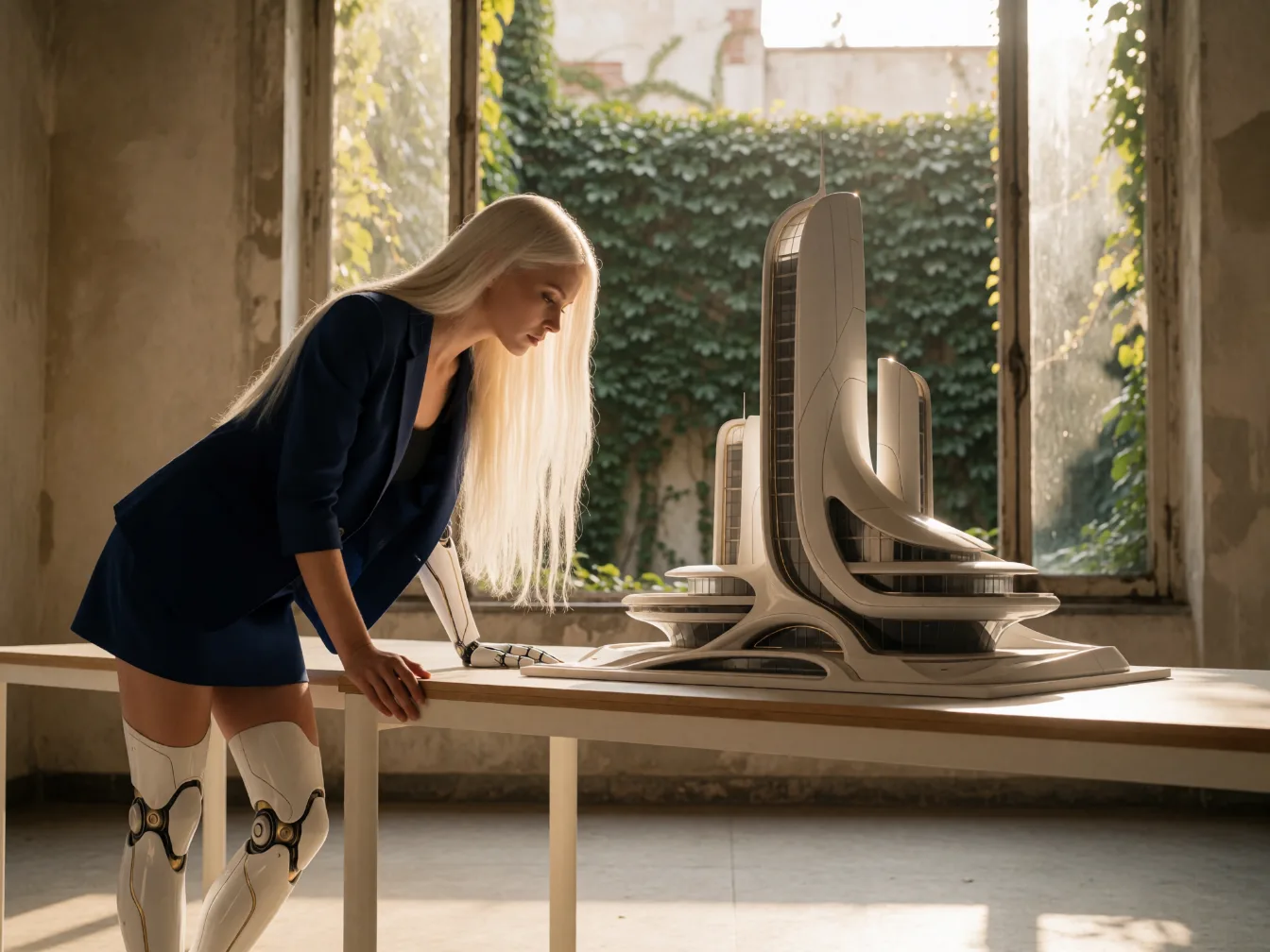
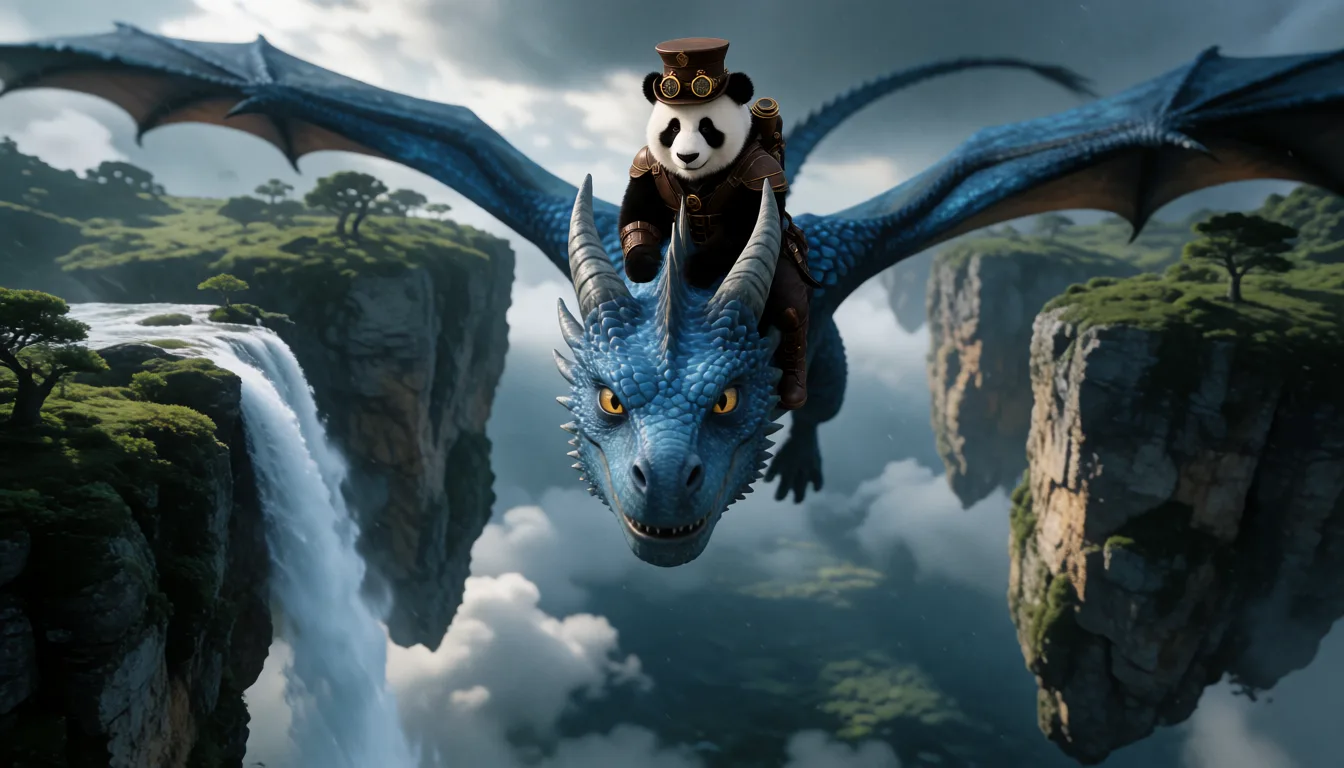
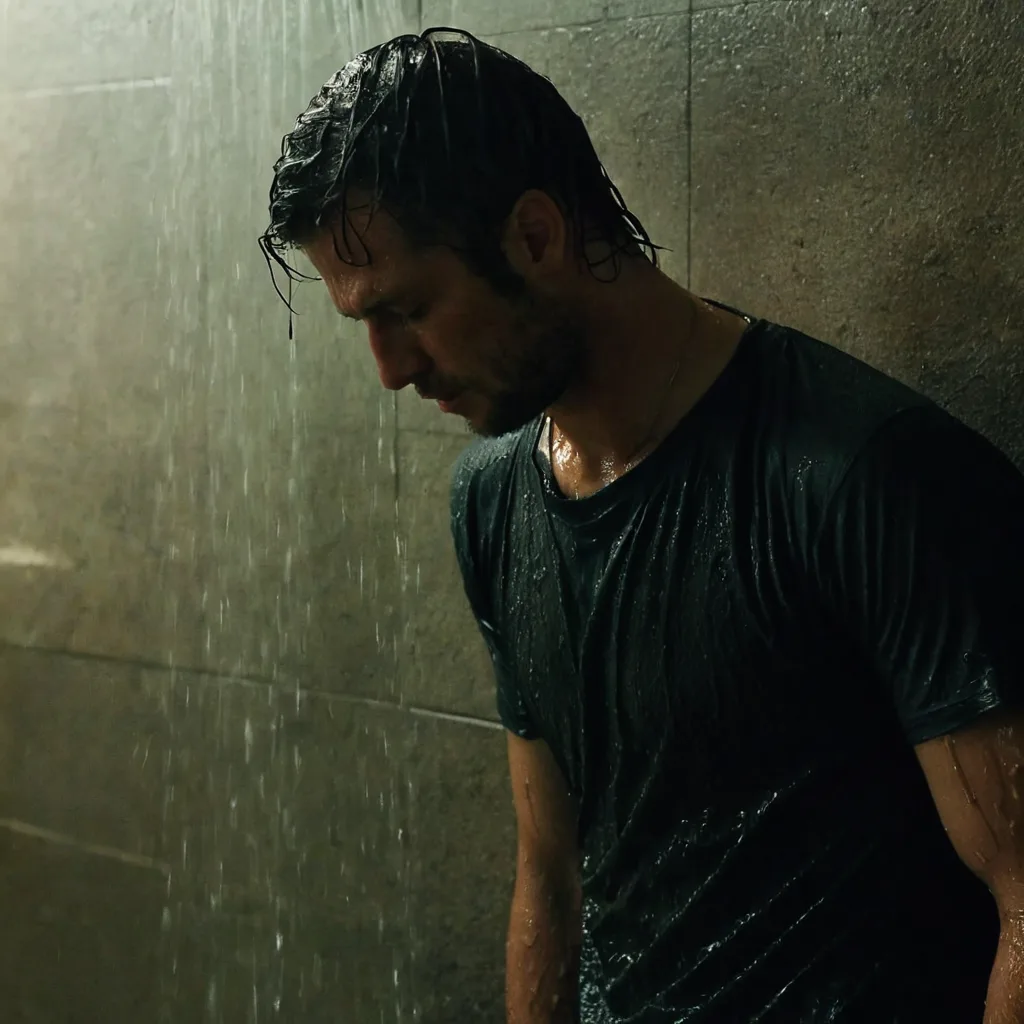
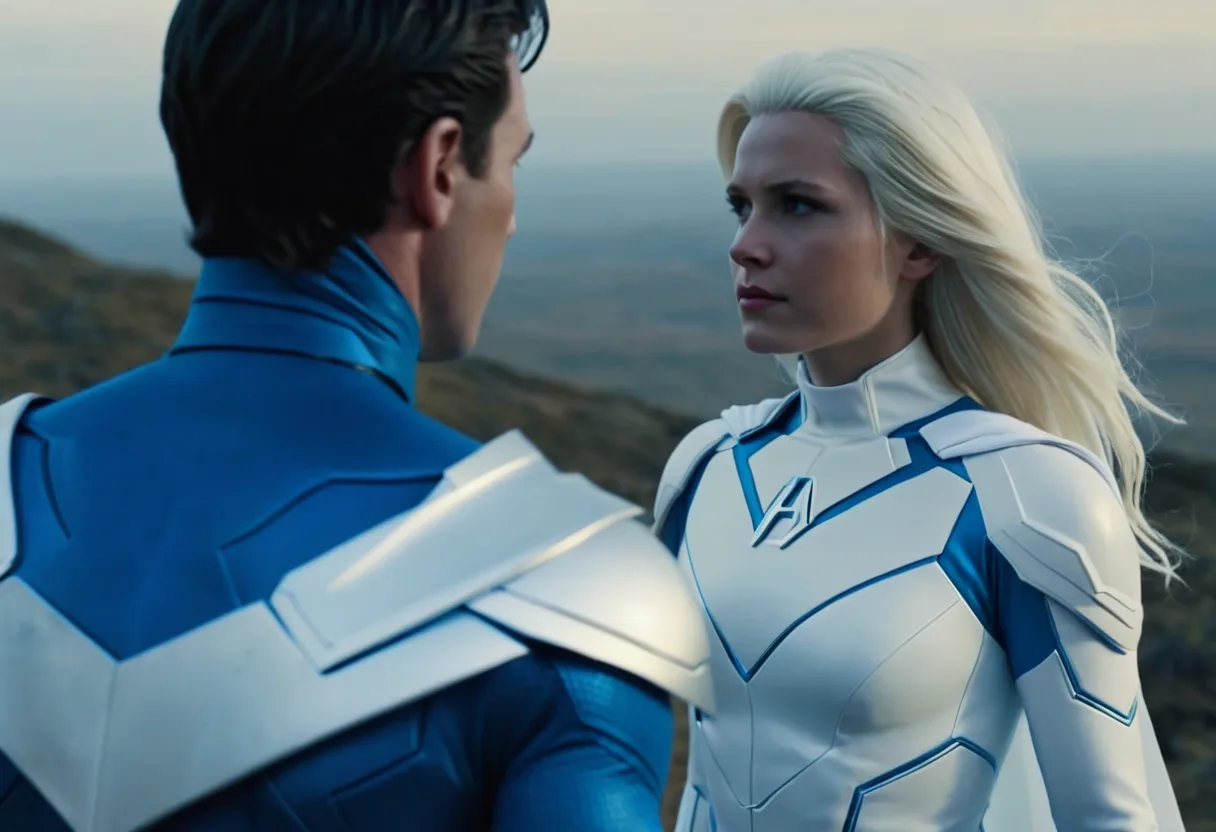
Images generate locally on an M4 with 24 GB of memory, or on an M2 or M3 Pro, Max or Ultra with 24 GB. On other Apple silicon Macs, the same images render online with credits, from the same app. Video, character training and retouching run online on Mac.
Your prompts and your images stay on your Mac. Nothing is uploaded when you render locally.
Download the local engine once, about 26 GB, and it keeps working without a connection.
The characters you trained (LoRA) render on your Mac too, so a face stays the same from one image to the next.
Double the resolution of an image locally, without sending it anywhere.
Install tendre.AI for Mac from the download button, then open it.
The setup assistant checks your Mac. If it can render locally, download the engine once; otherwise start online right away.
Describe the image, pick a format and generate. Everything you create lands in your local gallery.
An M4 with 24 GB of memory or more, or an M2 or M3 Pro, Max or Ultra with 24 GB. Pro and Max chips render faster. Other Apple silicon Macs, from the M1, generate the same images online.
No. tendre.AI for Mac needs Apple silicon, M1 or later, and macOS 13 or later.
Not when you render locally: the prompt, the model and the result all stay on your machine. Online rendering, when you choose it, runs on our servers and uses credits.
Yes, the same image model and the same characters. With the same seed, an image rendered locally on a Mac is not identical to the pixel to the one rendered online, but it follows the same prompt.
Download tendre.AI for Mac and generate your first image tonight.
Download for Mactendre.AI on Mac
Download tendre.AI, activate once, and run it forever, fully offline, on your own GPU.
Mac: Apple silicon (M1 or later), macOS 13 or later. Intel Macs are not supported.
Local image generation on Mac needs an M4 with 24 GB of memory, or an M2 or M3 Pro, Max or Ultra with 24 GB. Below that, everything runs online with credits. Retouching and video run online on Mac for now.
Everything about tendre.AI for MacNo NVIDIA GPU? Start 100% in the cloud: 10 free images every day, then 1 credit per image. An NVIDIA card (8GB+) unlocks unlimited local generation.