Local AI Image Generator: Run It On Your Own PC (2026)
July 5, 2026
A local AI image generator runs the model on your own hardware instead of someone else's servers. You type a prompt, your GPU does the work, and the image lands on your disk. No upload, no queue in a datacenter, no account, no per-image token counting your every render. This guide explains what a local AI image generator actually is, why running it on-device beats cloud SaaS on privacy, cost and freedom, and how tendre.AI lets you run Stable Diffusion locally on Windows.
What is a local AI image generator?
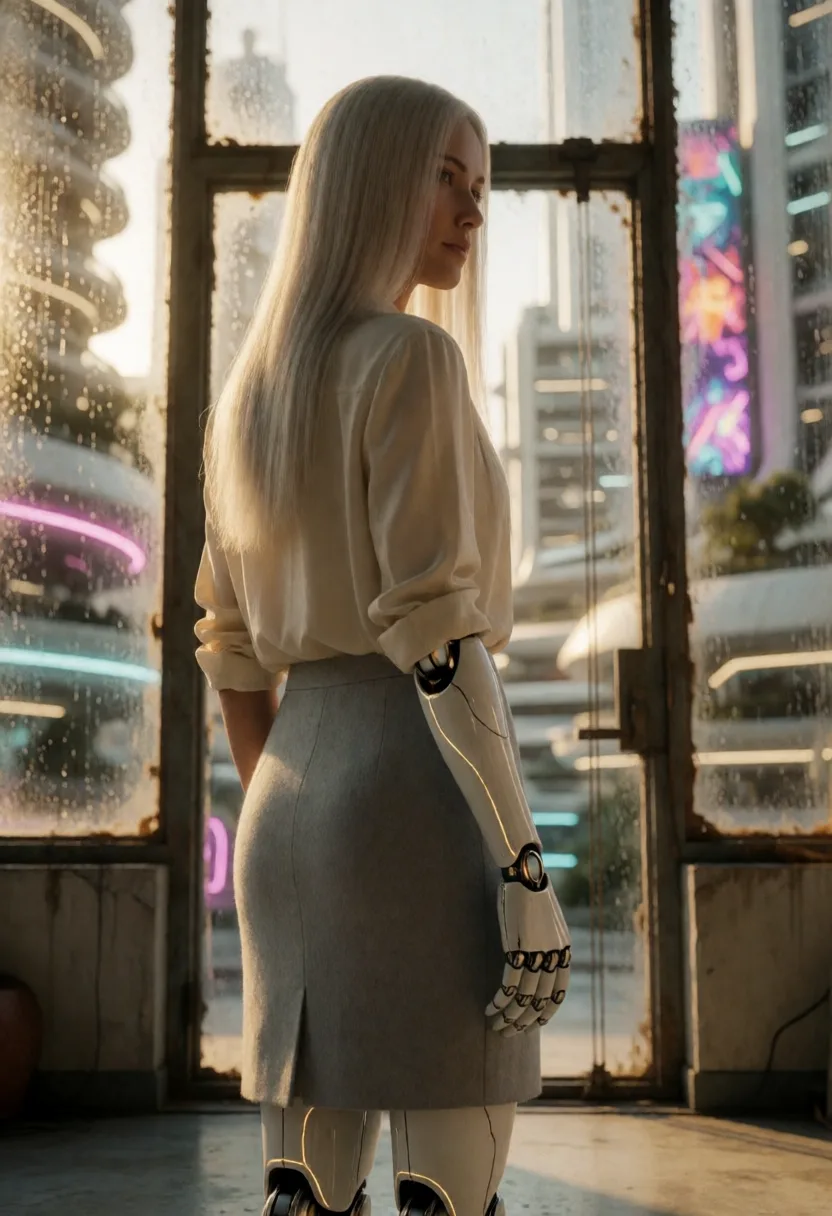
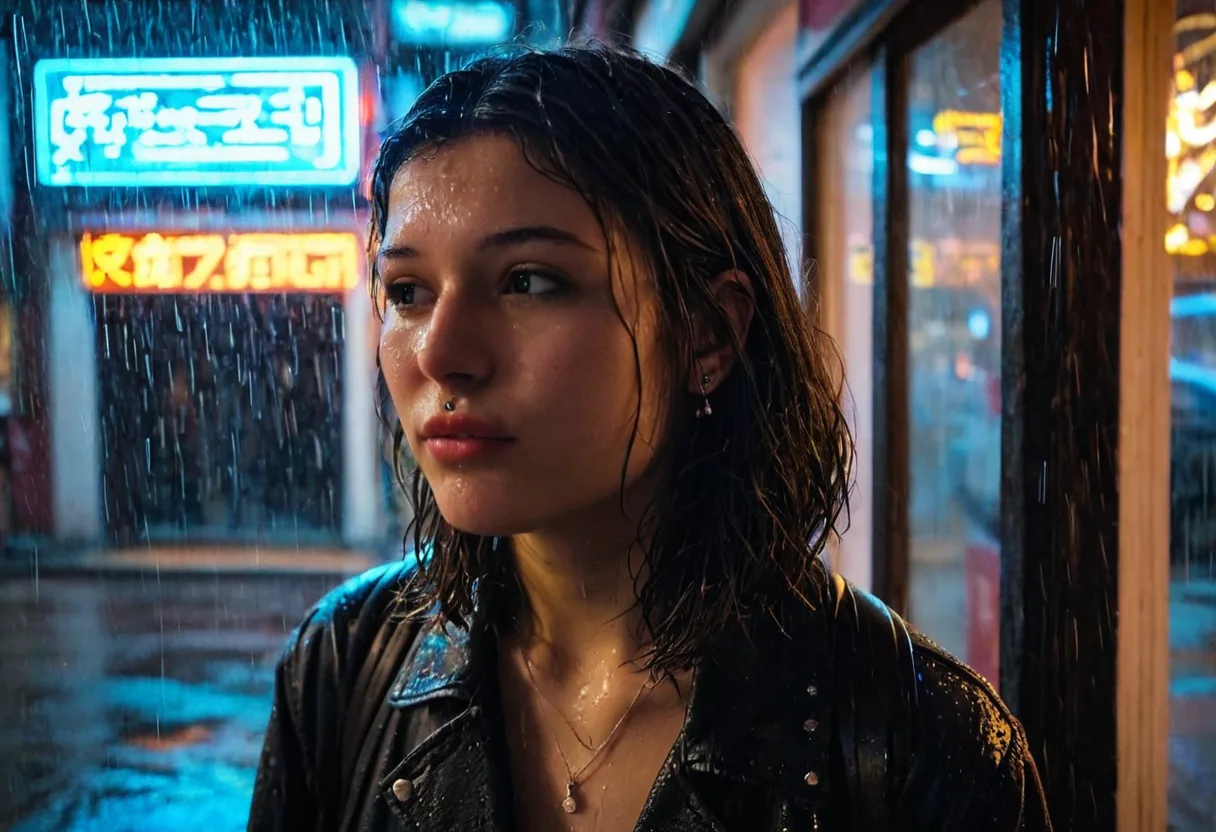
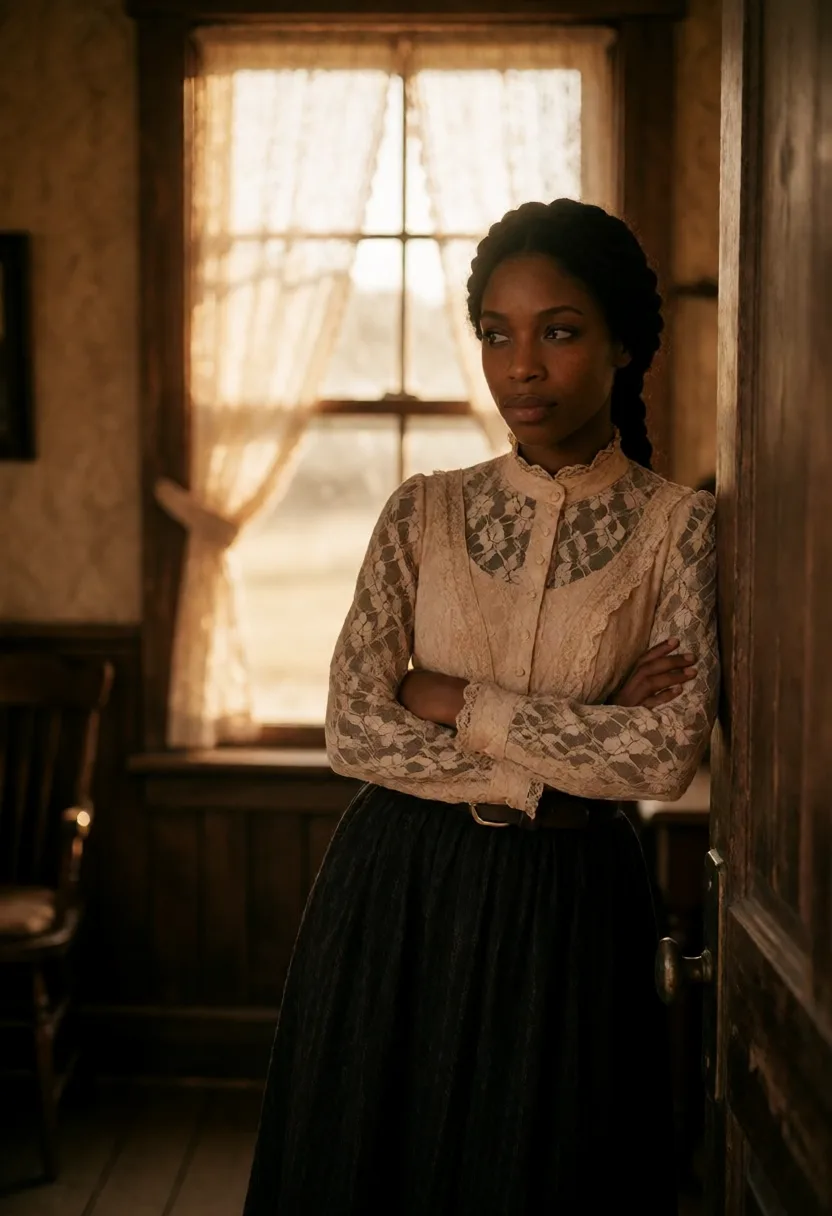
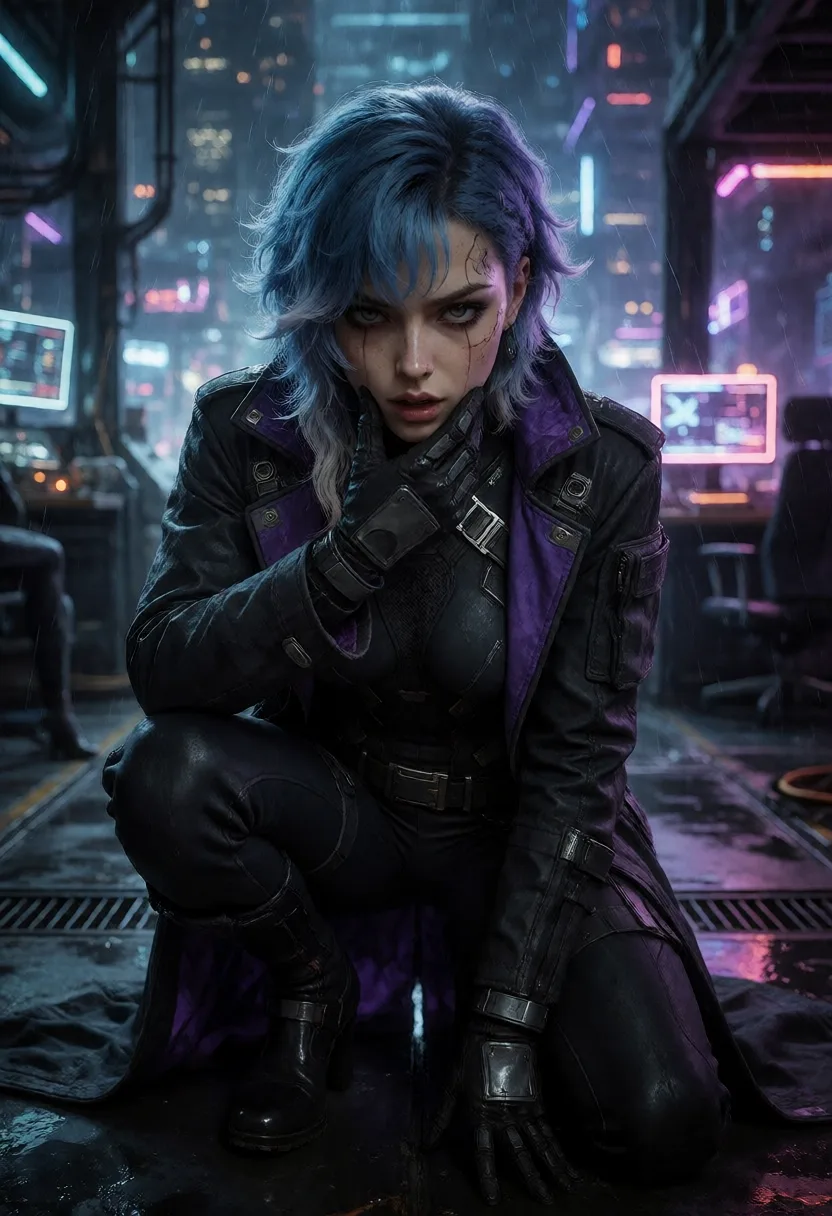
A local AI image generator is software that loads an image model (in tendre.AI's case the Stable Diffusion XL family, SDXL and its successors) directly onto your machine and generates pictures using your own NVIDIA GPU. Everything happens on-device: the model weights sit on your drive, the prompt is processed in your own VRAM, and the finished image is written to a folder you control.
Contrast that with a cloud service. There, you send your prompt to a remote server, their GPU renders the image, and the result comes back over the network. Your prompt, your settings and your output all pass through infrastructure you do not own. A self-hosted AI image generator flips that: the whole pipeline stays inside your PC, which is also why it keeps working offline, with no connection at all.
Why generate locally
Running the generator yourself changes three things that matter.
- Privacy. Your prompts and your images never leave your PC. There is no server-side history, no moderation team reading your prompts, no dataset quietly built from what you create. What you generate is yours and stays local.
- Cost. Cloud image tools meter you: a monthly subscription, credits, or a per-image token that ticks down with every render. A local SDXL setup has no per-image cost at all. Once the model is on your disk, generation is unlimited and free, you are only ever limited by how fast your GPU is.
- Freedom. No account, no waitlist, no remote content filter deciding what you are allowed to make within the law. You choose the model, the LoRA, the resolution and the workflow. Your GPU, your images, your rules.
There is also a practical bonus: an offline AI image generator does not care about rate limits, server outages or a SaaS shutting down. As long as your PC boots, it works.
Local vs cloud
| Local AI image generator (tendre.AI) | Cloud SaaS image generator | |
|---|---|---|
| Where it runs | Your own NVIDIA GPU, on-device | Their remote servers |
| Prompts and images | Never leave your PC | Sent to and stored on their servers |
| Account required | None | Sign-up, often identity checks |
| Cost model | One-time license, unlimited local renders | Subscription or per-image tokens |
| Works offline | Yes | No, needs a connection |
| Custom characters | Local LoRA training | Limited or unavailable |
| Control | Full: models, LoRA, resolution, workflow | Whatever the service allows |
The short version: a local AI image generator trades a bit of setup and a capable GPU for privacy, unlimited free generation and complete control. Cloud tools trade all of that for the convenience of a browser tab.
tendre.AI: a local image generator
tendre.AI is a Windows desktop app built to run Stable Diffusion locally. It does the whole image pipeline 100% on your own GPU, and images never leave the machine.
- On-device SDXL generation. Generate with the Stable Diffusion XL family entirely on your NVIDIA GPU. See the full feature list on the features section.
- LoRA character training. Train a LoRA so the same character stays consistent across generations, same face, same style, image after image. Details on the LoRA section.
- Local generation queue. Line up multiple prompts and variations and let them render locally while you do something else.
- Fully local on-disk gallery. Every result is saved to a gallery on your own drive. Nothing is uploaded, nothing is synced to a cloud.
- ComfyUI workflows. Build and reuse node-based ComfyUI pipelines for advanced control over how each image is generated.
- Offline Ed25519 license. Your license is verified offline with an Ed25519 signature, so the app keeps working without phoning home.
The business model matches the philosophy: a one-time license at 42€, not a subscription, and after that local image generation is unlimited and free. See the pricing section. If avoiding recurring fees is the point, read the sibling guide on an AI image generator without subscription.
One clear boundary: the only thing that ever touches the cloud is the optional, opt-in video mode, which renders video with synchronized audio in 1080p or 4K using the LTX-2.5 model and is paid with prepaid credits (pay as you go). Local image generation never uses the cloud and never spends credits.
How to generate AI images locally
- Install tendre.AI on a Windows PC with a modern NVIDIA GPU.
- Download the model. Let the app pull the SDXL model files to your local disk.
- Write a prompt and pick a resolution, then start the generation on your own GPU.
- Queue variations and let them render locally while you keep working.
- Train a LoRA to keep the same character consistent across generations.
- Save to your gallery. Results are written to your on-disk gallery, nothing is ever uploaded.
What hardware do you need?
You need a modern NVIDIA GPU. 8 GB of VRAM is a comfortable starting point for SDXL at standard resolutions, and 12 GB or more gives you room for higher resolution and heavier workflows. More VRAM and a faster GPU mean quicker renders and bigger images, but the entry bar for a local SDXL setup is genuinely reachable on a mainstream gaming card. The installer and full specs are on the download page.
Because image generation is fully local, you are never bottlenecked by a remote queue: your GPU is the only limit, and it is yours.
tendre.AI generates images 100% locally on your NVIDIA GPU with SDXL and LoRA. No cloud, no account, no per-image tokens, one-time license.
FAQ
Is tendre.AI a private AI image generator? Yes. tendre.AI is private image generation software: images are generated locally on your own GPU and never leave your PC. No prompt or image is sent to any server, and there is no account or cloud for local generation. It is a genuinely private AI image generator that you own once, not a cloud subscription.
Is a local AI image generator really 100% offline? Yes. Once the SDXL model files are on your disk, tendre.AI generates images entirely on your own GPU with no connection required. Your prompts and images never leave the PC. The only feature that uses the internet is the optional cloud video mode, which is opt-in.
Do I pay per image with a local generator? No. Local image generation in tendre.AI is unlimited and free after a one-time license of 42€. There are no per-image tokens and no subscription for local generation.
What GPU do I need to run Stable Diffusion locally? A modern NVIDIA GPU with at least 8 GB of VRAM is a comfortable start for SDXL, and 12 GB or more helps with higher resolutions and heavier ComfyUI workflows. A faster GPU simply renders quicker.
Can I keep the same character across images? Yes. tendre.AI lets you train a LoRA so the same character stays consistent from one generation to the next, same face and style, without depending on any cloud service.