AI Video Generator With Sound: Video and Audio in 1080p and 4K (2026)
June 26, 2026
Most "AI video" tools give you a silent clip and stop there. The next step, the one that actually feels finished, is sound and video generation together: a clip that moves and sounds right, generated from the same prompt. This guide explains how to generate a video with sound, why a single tool that handles both video and image matters, how to reach 1080p and 4K, and how tendre.AI does it with the LTX-2.5 model.
Sound and video generation, in one pass
Classic pipelines split the job: one model for the picture, another for audio, then you stitch them by hand. The result almost always drifts, the sound never quite lands on the motion. Modern audio-native video models generate the frames and the soundtrack jointly, so the audio is synchronized with the action from the start: footsteps on the step, a voice on the lips, ambience that matches the scene.
That is what "generate a video with sound" should mean in 2026: not a clip with a track bolted on afterwards, but one coherent result where image and audio come out of the same generation.
One AI tool for video and image
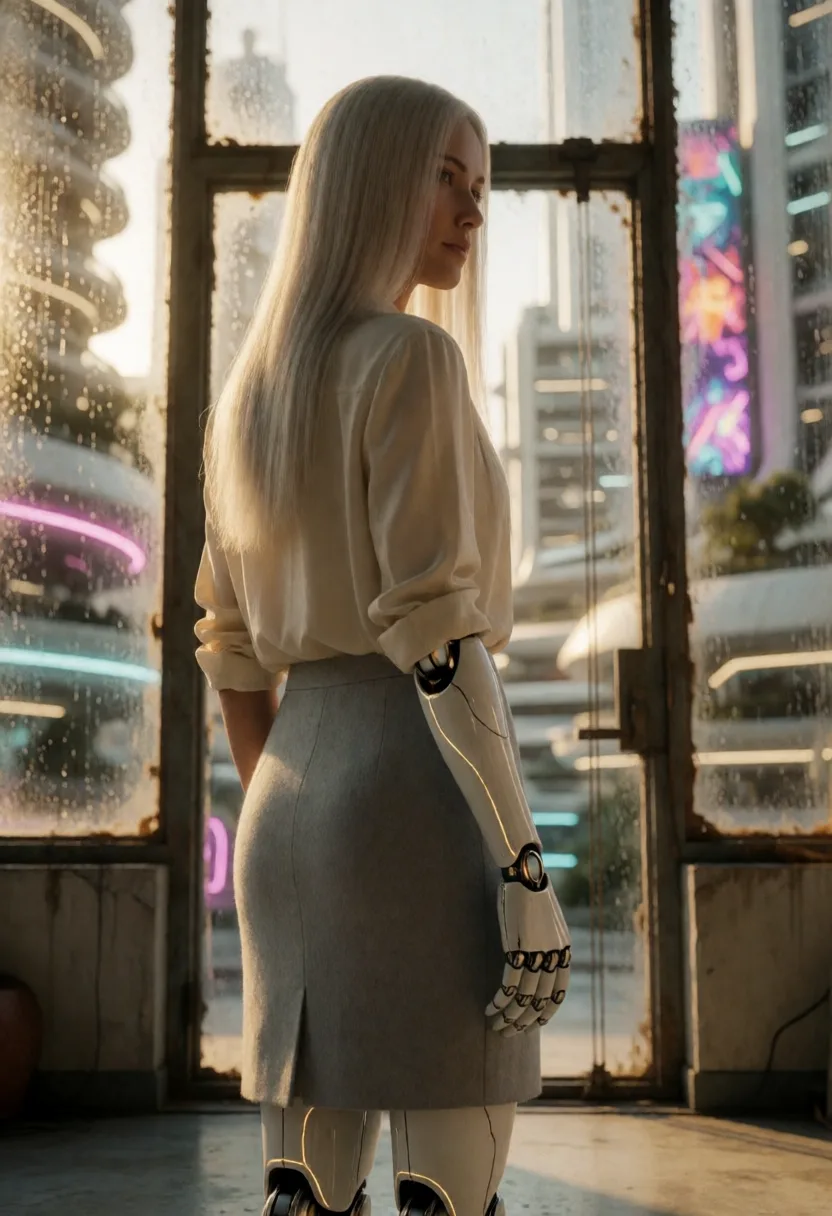
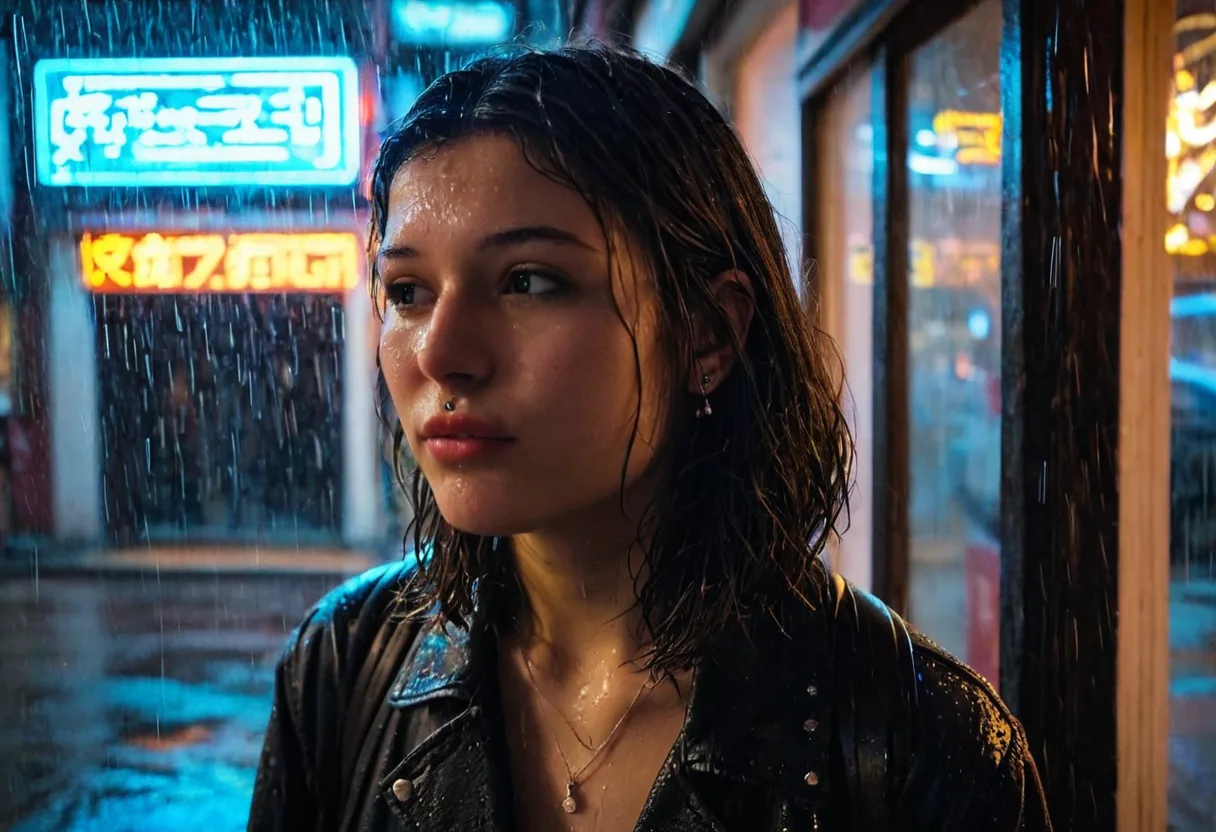
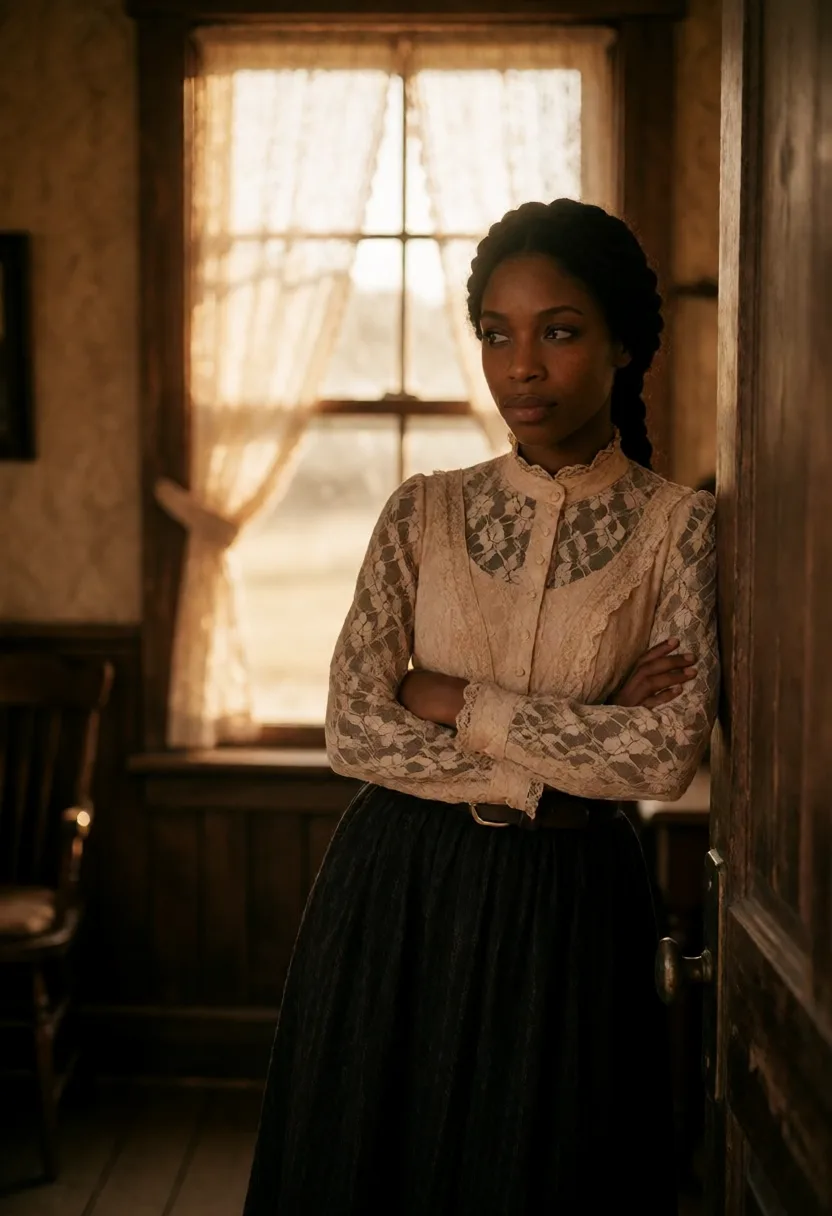
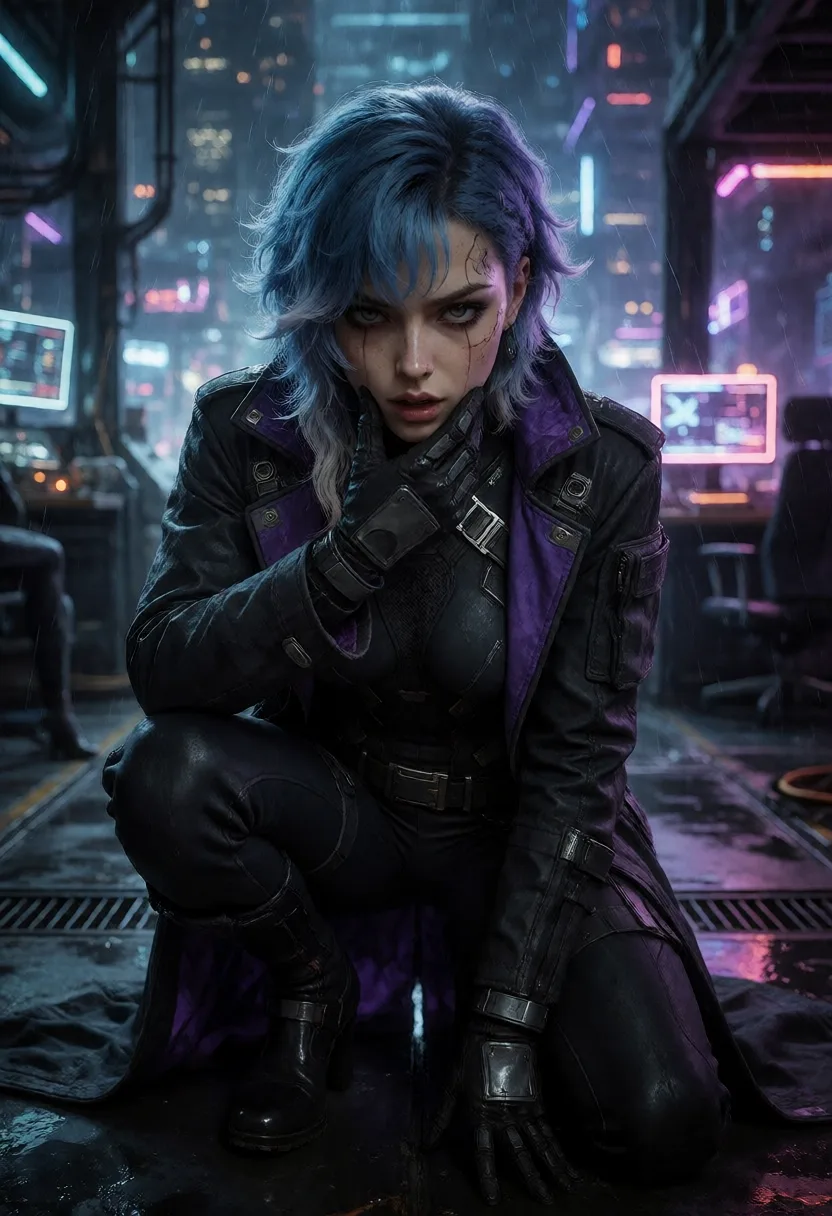
You rarely want only video. You want a still for the thumbnail, a frame to refine, an image to animate. A good AI tool to generate a video and an image keeps both in the same place, with the same character and the same style, so the still you love becomes the first frame of the clip.
tendre.AI is built around exactly this: local image generation for everything still, and video generation with sound when you want the picture to move. Same characters (via LoRA), same look, one workflow, from a single frame to a full clip.
Generate a video in 1080p
For most uses, 1080p (Full HD) is the sweet spot: sharp enough for social, web and previews, fast enough to iterate without long waits. tendre.AI generates video with sound directly at 1080p, so you can try a prompt, hear the result, adjust, and run it again without burning time or budget on every take.
1080p is also the right resolution to lock a shot before committing to a heavier 4K render: nail the motion, the framing and the audio at Full HD, then scale the keeper up.
Generate a video in 4K
When the clip is meant to be seen big, you want 4K (Ultra HD). At four times the pixels of 1080p, 4K holds up on large screens and leaves room to crop or stabilize in post. The trade-off is compute: 4K with synchronized audio is heavy, which is why tendre.AI renders 4K video on a cloud GPU, on demand, billed in credits so you only pay for the final takes, not every test.
The practical workflow: draft in 1080p locally-first, then finish the selected shot in 4K. You get fast iteration where it matters and full resolution only where it counts.
The engine: LTX-2.5, integrated into tendre.AI
tendre.AI runs its video on LTX-2.5, the audio-and-video generation model Lightricks released with open weights on 11 August 2026. It is what powers sound and video generation inside the app. Here is what matters about it, in plain terms.
- Native synchronized audio. LTX-2.5 generates the soundtrack jointly with the video, so audio and motion are aligned by construction, not patched together afterwards. This is what makes lip sync hold instead of drifting.
- Diffusion transformer (DiT) architecture. Instead of generating frames in isolation, the model works over the whole clip at once, which is what keeps motion coherent from the first frame to the last.
- Text-to-video and image-to-video. Start from a prompt, or from a still you already generated in tendre.AI, and animate it. That is what makes the "image and video in one tool" workflow seamless.
- Multi-resolution, up to 4K. The same model targets 1080p for fast iteration and 4K for final renders, so you are not switching engines between draft and delivery.
What LTX-2.5 changed over 2.3
The 2.5 release is not a point update. Several of its changes show up on ordinary clips, not just on benchmarks.
- Native multi-shot scenes. The model can generate connected shots, wide then medium then close-up, in a single generation, holding the character, the setting, the lighting and the voice steady across the cuts. Getting that before meant rendering each shot separately and hoping they matched.
- A new diffusion video decoder. The most visible gain: fewer artifacts in high-motion scenes, exactly where earlier versions smeared. A turning head or a fast pan holds together.
- Sharper prompt understanding. Prompt handling moved to a fine-tuned Gemma 4 12B text encoder with a dedicated prompt enhancer, which reads complex, multi-subject instructions better, from shorter prompts.
- Automatic duration. Clip length is inferred from the action you describe, instead of being set by hand in frames.
- Native 4K HDR. High dynamic range is part of the pipeline rather than a post-process.
- Speed at scale. On datacenter hardware, LTX-2.5 renders 10 seconds of 720p in under 7 seconds, which is what makes on-demand cloud rendering priced per clip realistic in the first place.
Note: the capabilities above belong to the LTX-2.5 engine. They are being exposed in tendre.AI progressively, release after release. Check the changelog for what is live in the version you are running.
Local first, cloud only when it pays off
tendre.AI keeps the same principle it applies to images: do as much as possible on your own machine, and never send what does not need to leave.
- Images: 100% local. Every still is generated on your own GPU. Nothing is uploaded, ever.
- Video: optional cloud GPU. Heavy LTX-2.5 video, especially 4K with audio, runs on a remote GPU only when you ask for it, paid per clip in credits. It is opt-in: if you never touch video, nothing about your local, private image workflow changes.
So the privacy-first, no-subscription model stays intact for the part most people use daily, and the cloud is there only for the compute-heavy video you choose to render.
tendre.AI vs cloud-only AI video apps
| tendre.AI | Typical cloud AI video app | |
|---|---|---|
| Sound + video | Generated together (LTX-2.5) | Often silent, or audio added separately |
| Image + video | Same tool, same character | Usually separate products |
| Resolution | 1080p iteration, 4K finals | Capped tiers, paywalled 4K |
| Images | 100% local on your GPU | Cloud only |
| Pricing | One-time license, video in credits (pay per clip) | Monthly subscription |
| Privacy | Images never leave your PC | Everything sent to their servers |
How to generate a video with sound in tendre.AI
- Install tendre.AI on a Windows PC with a capable NVIDIA GPU.
- Generate the still locally: define your character and lock the look with a LoRA or a fixed seed.
- Animate it: send the frame (or a prompt) to LTX-2.5 to generate a clip with synchronized sound.
- Iterate in 1080p until the motion and audio land.
- Finish in 4K on the cloud GPU for the takes you keep, paid per clip in credits.
What hardware do you need?
Local image generation wants a modern NVIDIA GPU with 8 GB of VRAM or more. Video with LTX-2.5, especially 4K, is offloaded to a cloud GPU, so you do not need a datacenter card at home to get high-resolution clips with sound. Full specs and the installer are on the download page.
tendre.AI keeps images 100% local and adds LTX-2.5 video with synchronized audio, in 1080p and 4K. One tool for image and video, no subscription.
FAQ
Is tendre.AI AI video generation software? Yes. tendre.AI is AI video generation software that produces video with synchronized sound in 1080p and 4K using the LTX-2.5 model. Video is an optional cloud mode (paid per clip in credits, only when you ask for it) inside a 100% local image app: local image generation itself stays private and on your own machine.
Can AI generate a video with sound? Yes. Audio-native models like LTX-2.5 generate the soundtrack jointly with the video, so the sound is synchronized with the motion instead of being added afterwards. tendre.AI uses this for its sound and video generation.
Can one AI tool generate both a video and an image? Yes, and it is the better workflow. tendre.AI generates images locally and animates them into video with sound, keeping the same character and style across both.
Can I generate a video in 1080p and in 4K? Yes. tendre.AI targets 1080p for fast iteration and 4K for final renders. 4K with audio runs on a cloud GPU and is billed per clip in credits.
What model does tendre.AI use for video? tendre.AI is integrating LTX-2.5, a diffusion-transformer video model with native synchronized audio, for text-to-video and image-to-video at up to 4K.
Is the video generation local or cloud? Images are 100% local on your GPU. Video, especially heavy 4K with sound, runs on an optional cloud GPU and is opt-in, so your local image workflow stays private and unchanged.