How to Write a Good LTX-2.5 Prompt (Video with Sound)
July 2, 2026
Prompting a video model is not like prompting an image model. With SDXL you describe a frozen moment. With LTX-2.5 you describe a moving shot with sound, so two things you never wrote before suddenly matter: motion and audio. Get those right and your clips feel intentional; ignore them and you get a stiff, silent slideshow. This guide shows you how to write LTX-2.5 prompts that actually move and sound right.
The one mistake to avoid: prompting like an image
The most common beginner error is describing a scene instead of a shot. "A woman in a red dress in a cafe" is an image prompt. LTX-2.5 will render something, but with no motion cue it has to guess, and it usually guesses small (a tiny head movement, a flicker). You end up with a near-still clip.
Fix it by always answering three questions the model cannot infer from a static description:
- What moves? (the subject, the camera, or both)
- How does the camera behave? (static, pan, dolly, handheld)
- What do we hear? (ambience, voice, effects)
A prompt formula that works
Think of an LTX-2.5 prompt as six slots. You do not need all six every time, but the more you fill, the more control you get:
Subject + Action/Motion + Camera + Setting/Lighting + Style + Audio
Example, slot by slot:
A young woman in a red dress (subject) turns toward the camera and smiles (action), slow dolly-in (camera), warm golden-hour light through a window (setting/lighting), cinematic, shallow depth of field (style), soft room tone with a faint vinyl crackle (audio).
That single sentence tells LTX-2.5 what happens, how it is filmed, and what it sounds like. That is the whole job.
Describe motion with verbs
Motion lives in verbs. Weak prompts are full of nouns and adjectives; strong prompts add action words: turns, walks, leans, reaches, tilts, glances, breathes, sways, drifts. Keep it to one clear action per short clip. A 5-second shot cannot show "she stands up, walks to the window, opens it and lights a cigarette", that is four shots. Ask for one beat, land it, then generate the next.
Speak the camera's language
LTX-2.5 understands cinematography terms. Use them to control the frame:
- Shot size: close-up, medium shot, wide shot.
- Camera move: static shot, slow pan left, dolly-in, tracking shot, handheld.
- Feel: locked-off and steady, or subtle handheld sway for realism.
"Static shot, close-up" is a completely different clip from "handheld tracking shot, wide", even with the same subject. Decide the camera on purpose.
Prompt the sound, this is LTX-2.5's superpower
Because LTX-2.5 generates picture and sound together, you can write the audio directly, and you should. Three layers to think about:
- Ambience / room tone: "quiet room tone", "rain on a window", "distant city traffic", "waves".
- Voice / dialogue: describe delivery ("a soft whisper", "a warm laugh") rather than exact words if you want it natural.
- Effects: "footsteps on wood", "a door creaks", "vinyl crackle", "a gentle breeze".
If you say nothing about audio, LTX-2.5 fills it in on its own, and it may not match the mood you wanted. One short audio phrase is usually enough to steer it.
What changed with 2.5, and how it changes your prompts
Version 2.5 moved three things that directly affect how you write.
You can prompt a sequence, not just a shot. LTX-2.5 generates native multi-shot scenes: wide, then medium, then close-up, in a single generation, with the character, the lighting and the voice held steady across the cuts. So describe the sequence rather than rendering three clips and trying to match them. "Wide shot of her on the terrace at dusk, then medium as she turns toward the door, then close on her face as she speaks."
Shorter prompts now work better. Prompt handling moved to a fine-tuned Gemma 4 12B encoder with a dedicated prompt enhancer, which reads complex, multi-subject instructions from fewer words. The old reflex of stacking twenty qualifiers to force an outcome is now counterproductive: it constrains the model more than it guides it. Say what matters, drop the padding.
Stop counting frames. Duration is inferred from the action you describe. Write the action at its natural length, "she pours the coffee, looks up, and smiles", and let the model size the clip. Setting a length by hand and then describing an action that does not fit it is how you get an ending that feels cut off.
Text-to-video vs image-to-video
The two entry points want slightly different prompts:
- Text-to-video: you describe everything, subject included. Use the full six-slot formula.
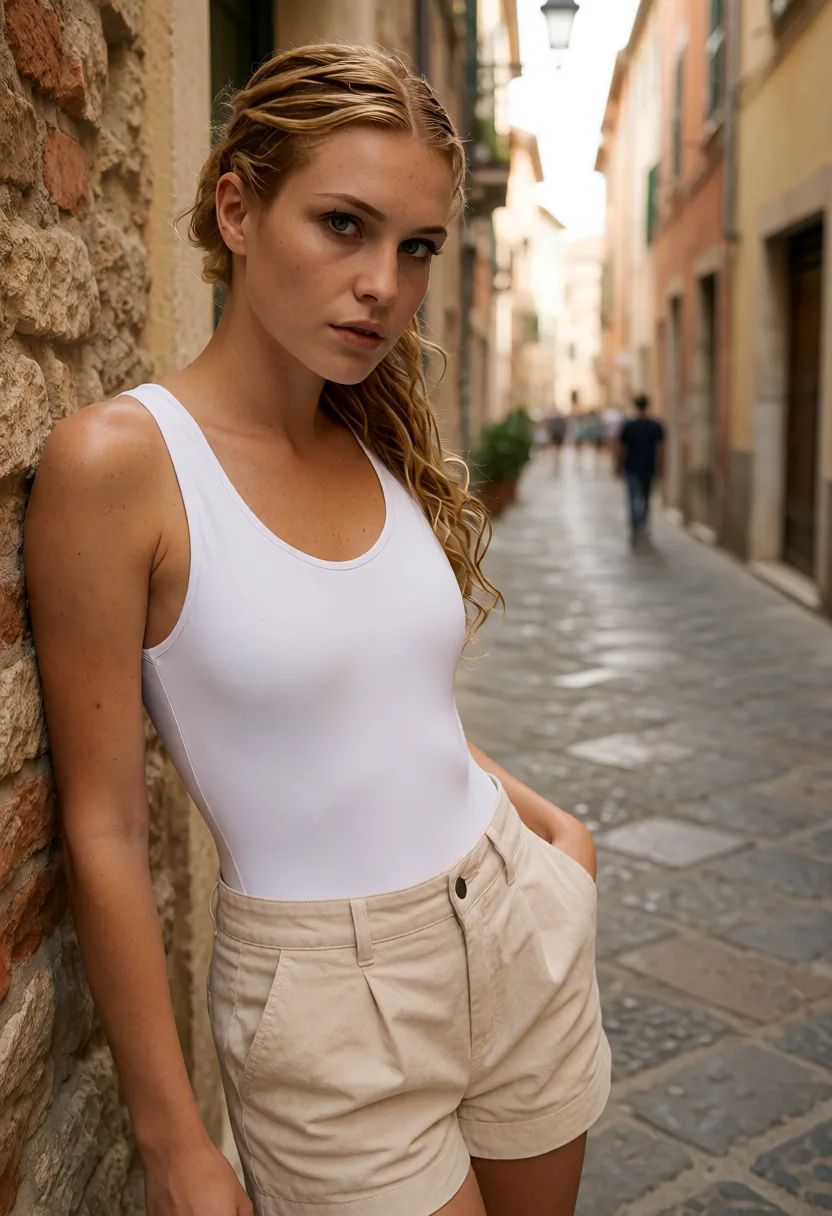
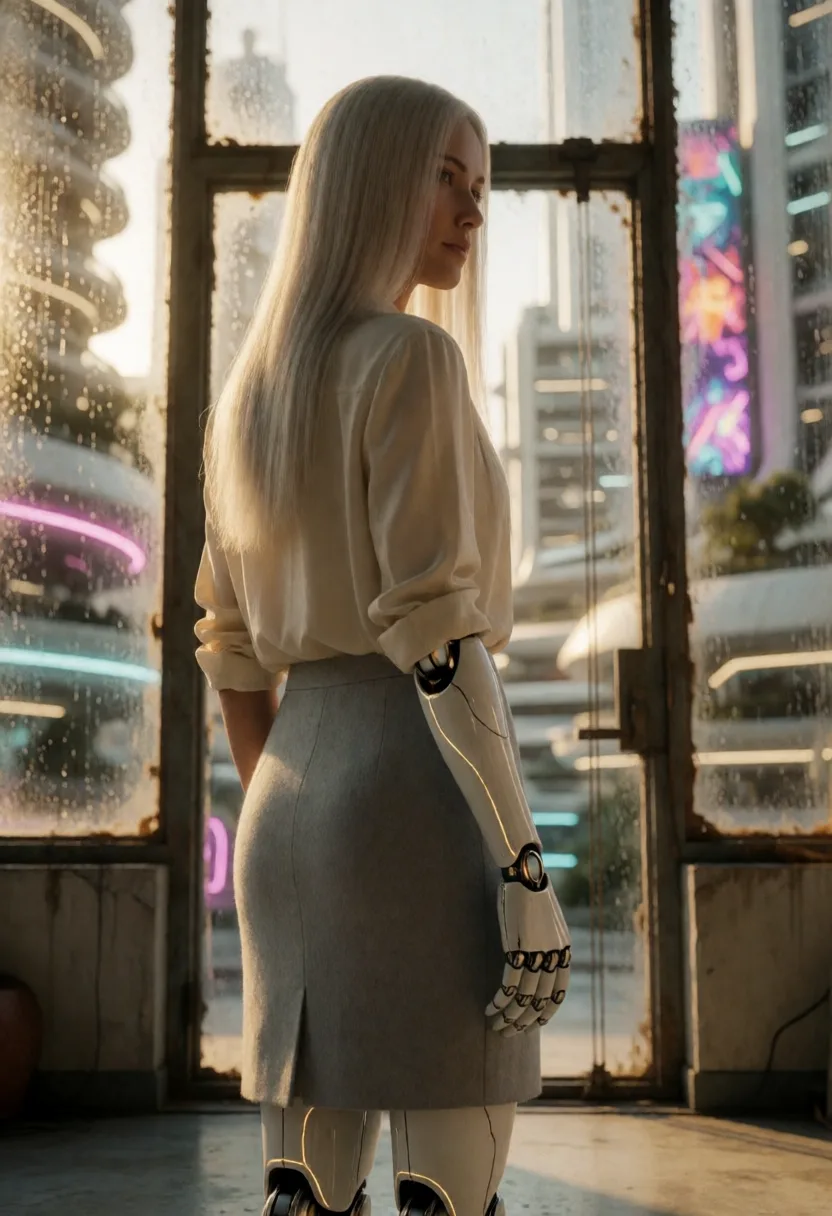
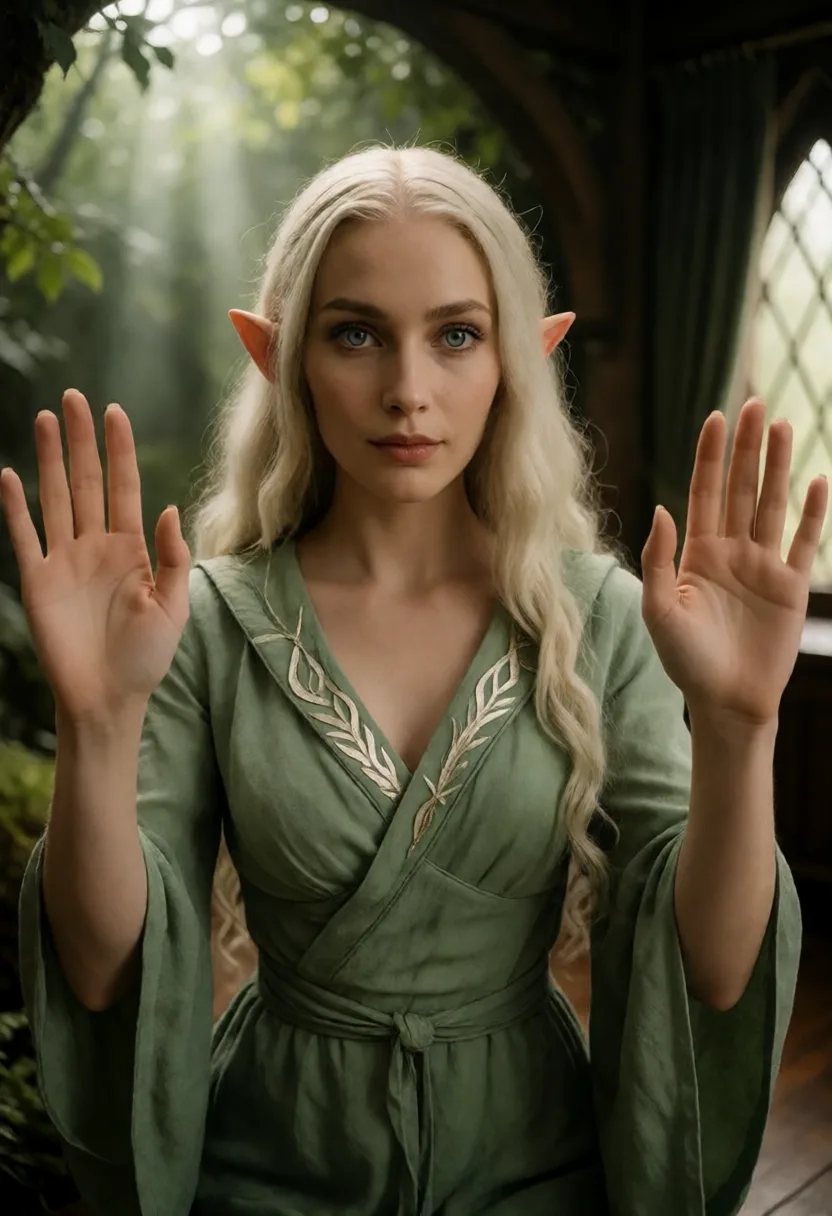
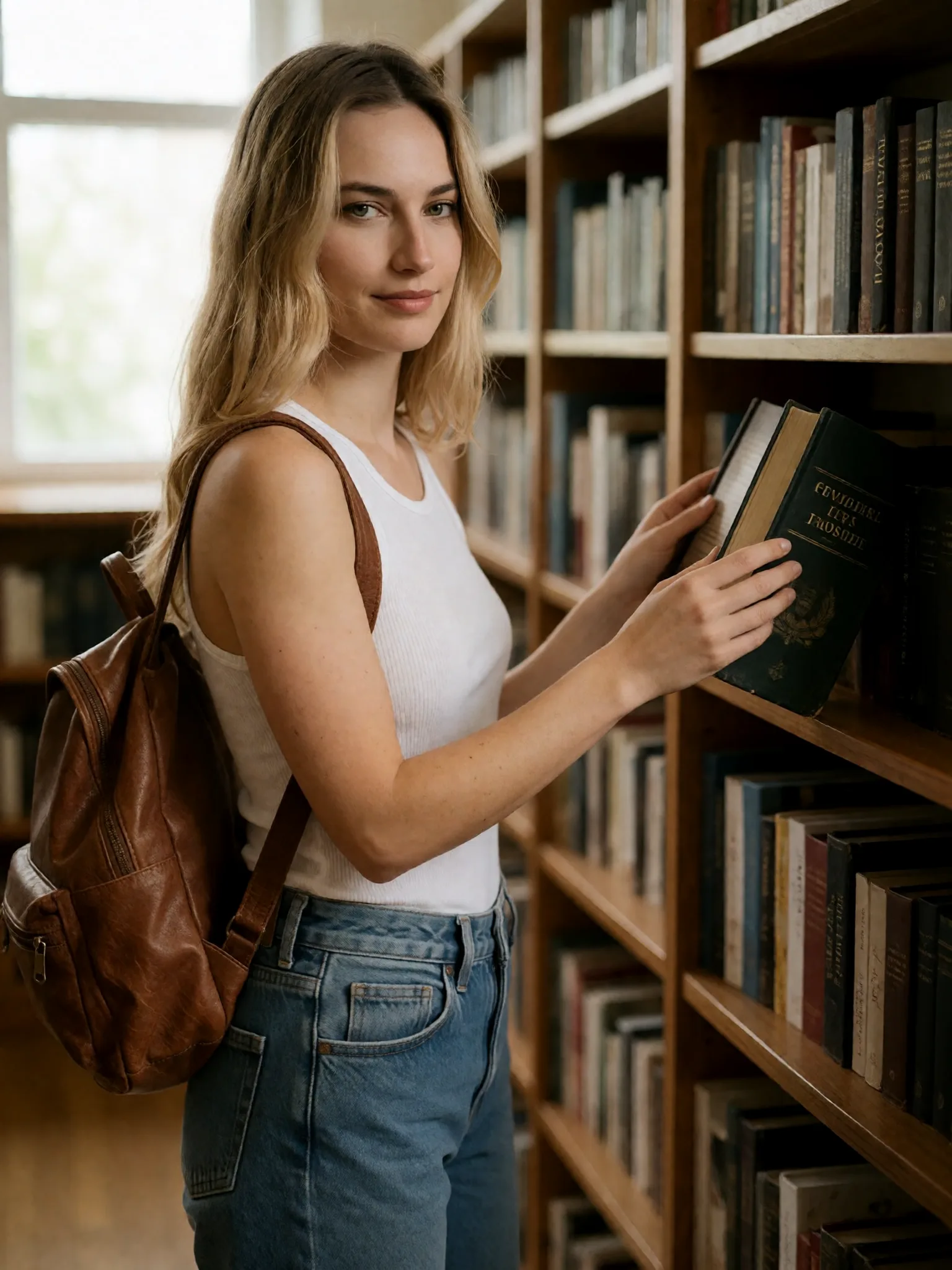
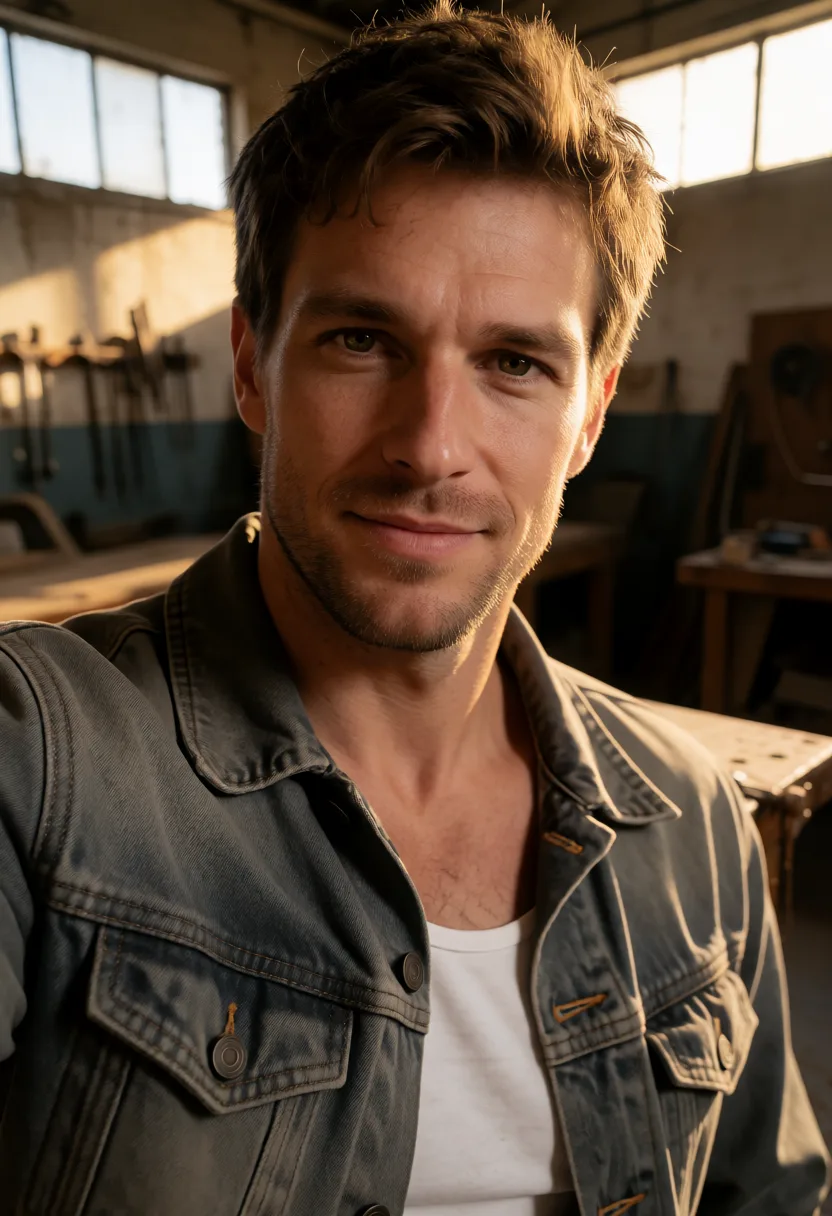
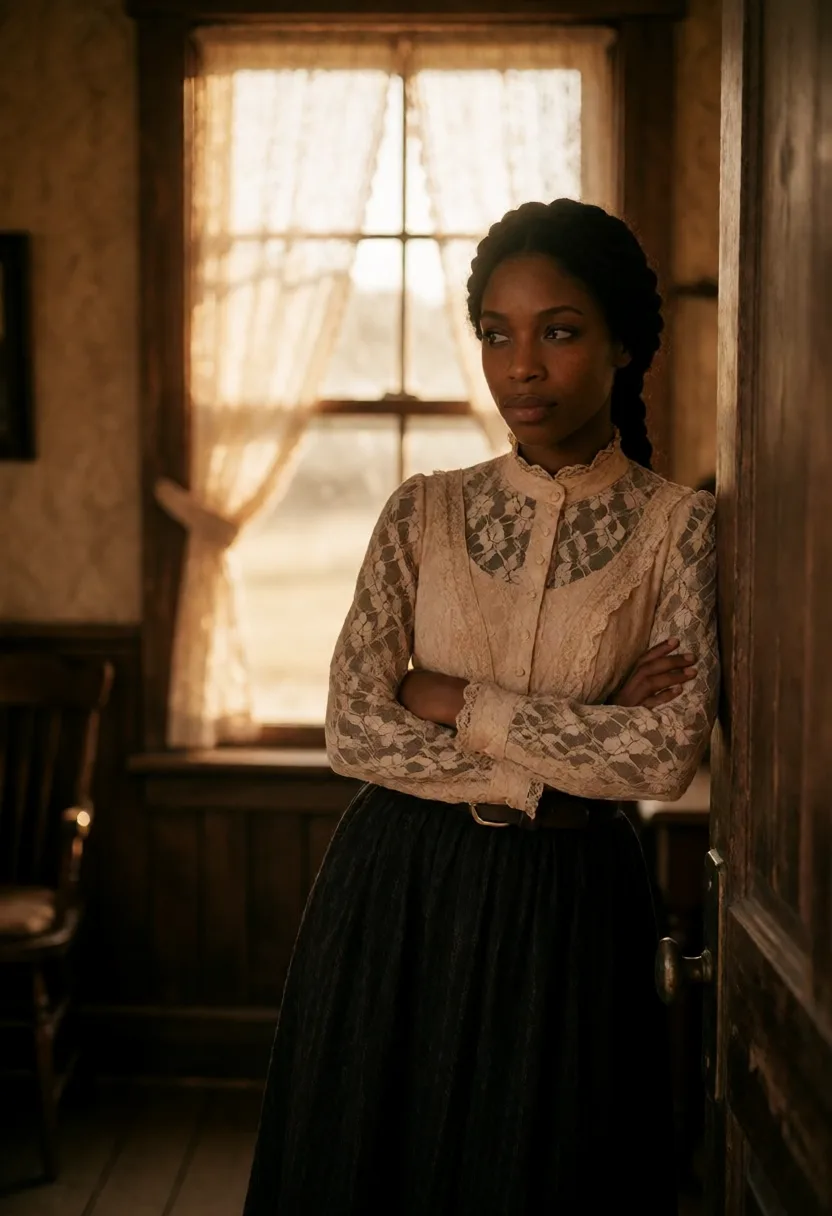
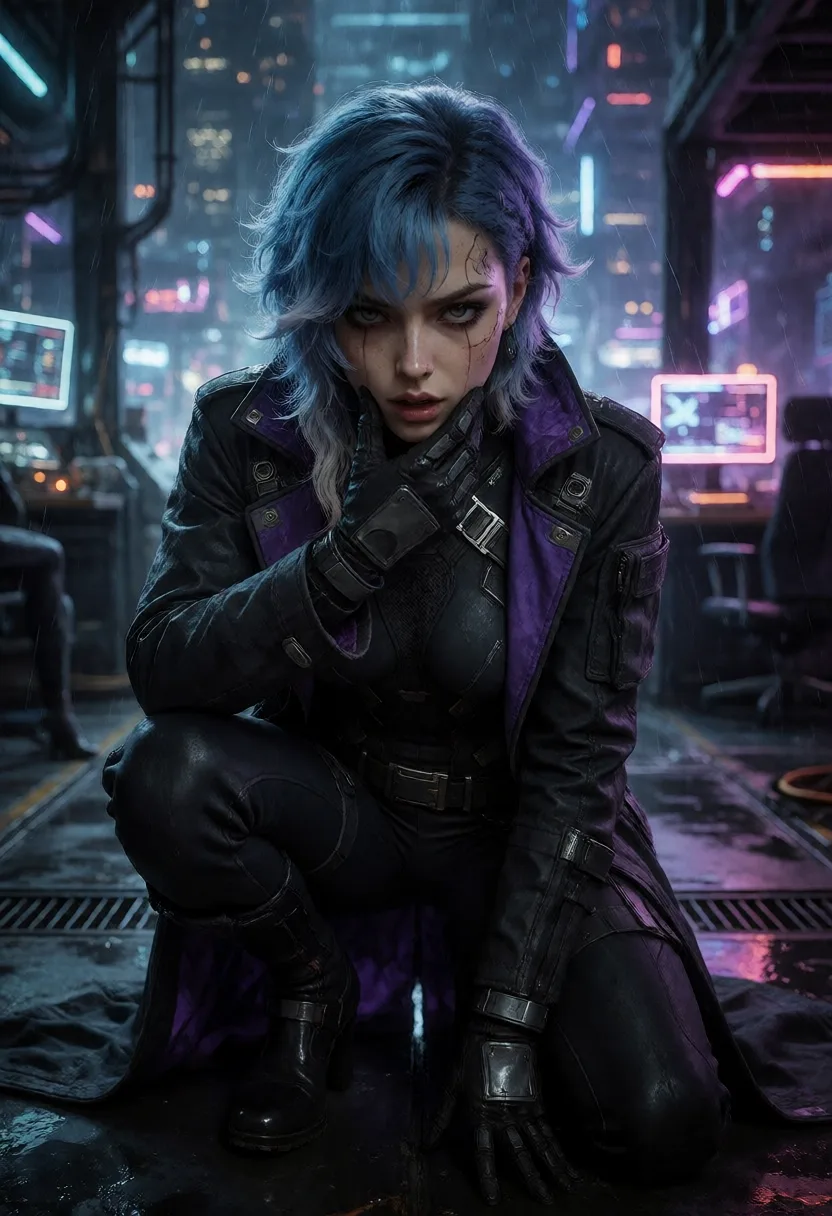
- Image-to-video (recommended in tendre.AI): your still already defines the subject, the look and the framing. So keep the subject description light and spend your words on the motion and audio you want added. Example on top of an existing portrait: "she slowly tilts her head, hair moving in a light breeze, subtle smile, static camera, soft breathing and distant city ambience". You are animating, not re-describing.
Image-to-video is the sweet spot: the character you locked in locally (with a LoRA or a fixed seed) carries straight into the clip, same face, same style.
Iterate at 1080p, finish at 4K
Prompts are found, not written. Draft at 1080p so each take is fast: run it, watch and listen, change one thing (a stronger camera move, a clearer audio cue), run again. When the shot lands, re-render the keeper in 4K. Change one variable at a time so you know what actually helped.
Two examples you can adapt
Text-to-video, cinematic:
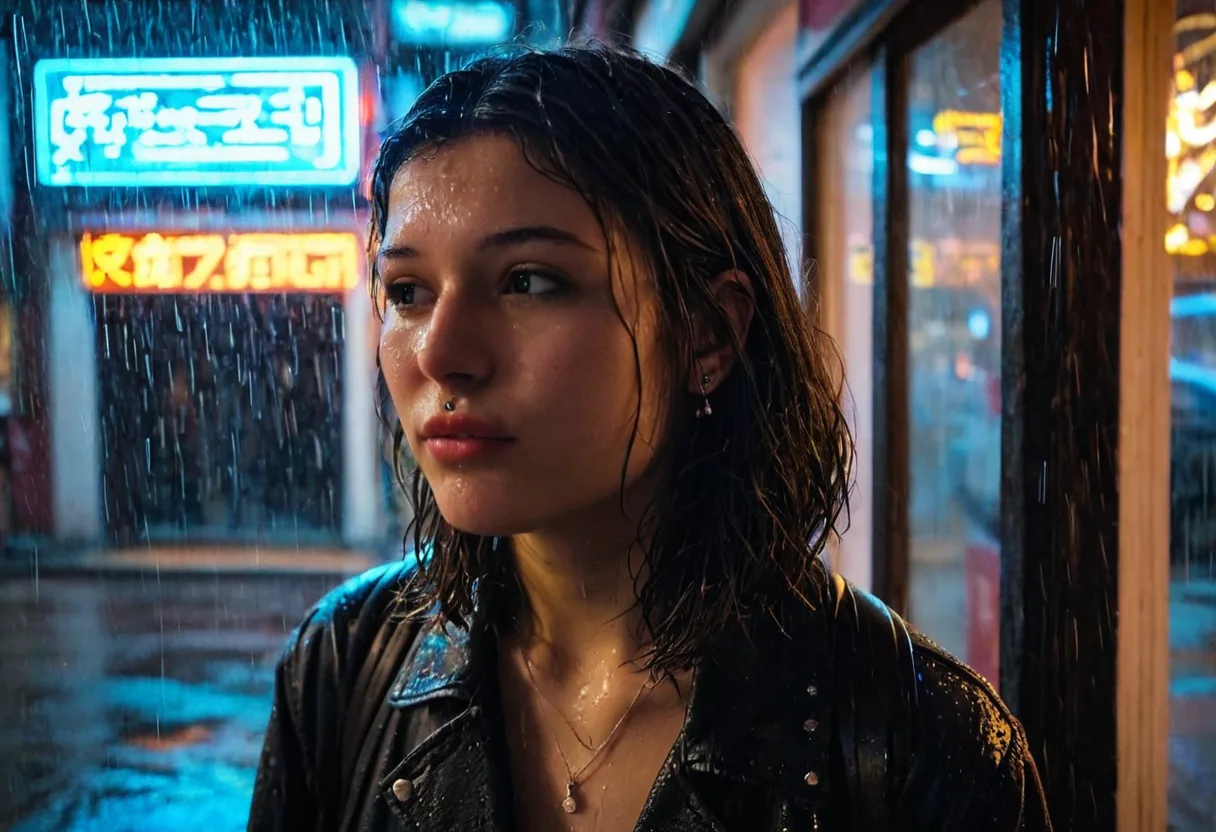
Medium shot of a woman by a rain-streaked window, she turns her head slowly toward the camera and smiles, slow dolly-in, moody blue evening light, cinematic film grain, soft rain on glass and a low ambient hum.
Image-to-video, from a local still:
She breathes gently and blinks, a few strands of hair drift in a light breeze, static locked-off camera, shallow depth of field preserved, quiet room tone with a faint clock ticking.
Both are short, name one clear action, set the camera, and give the sound one instruction. That is the pattern.
Do and do not
- Do name one action, one camera behavior, one audio idea.
- Do use cinematography words (close-up, dolly-in, handheld).
- Do not stack four actions into one 5-second clip.
- Do not leave audio blank if the mood matters.
- Do not re-describe the subject in image-to-video, animate it.
How this fits tendre.AI
In tendre.AI, images stay 100% local on your own GPU. LTX-2.5 video runs on a cloud GPU on demand, billed per clip in credits, so you draft images privately and only spend credits when you animate a keeper. Because video starts from your local still, the character you built carries into the clip, same face, same look, now with motion and sound.
Everything generated is 100% synthetic: no real person is depicted, and every subject is unmistakably an adult.
Write the motion, write the sound, and let LTX-2.5 animate the still you generated locally. 1080p to iterate, 4K to finish, no subscription.